How to Measure Ad ROI: A No-Jargon Guide for Local Businesses
To measure ad ROI correctly, you need to connect every dollar spent on ads to actual revenue — not clicks, not impressions, not "engagement." The formula is simple: (Revenue Attributed to Ads − Ad Spend) ÷ Ad Spend × 100. The hard part isn't the math. It's tracking which leads, bookings, and sales actually came from which ad. This guide walks through how to set that up this week.
By the end of this guide you'll be able to:
- Explain the difference between ROI and ROAS in one sentence
- Tag every lead with the ad that produced it
- Tie ad spend to calls, bookings and closed sales
- Use customer lifetime value instead of first-sale revenue
- Run a short weekly or monthly ROI check by channel
What "Ad ROI" Actually Means (and Why Most Small Businesses Get It Wrong)
Most business owners judge an ad campaign by what's easiest to see: clicks, impressions, or the platform's own "results" number. None of those tell you whether the campaign made or lost money. Ad ROI is a financial question, not a marketing one. It asks: for every dollar spent, how much came back? If you can't answer that in dollars, you're not measuring ROI — you're measuring activity.
Activity metrics vs. money metrics
| What dashboards show you (activity) | What it actually tells you | The money metric it should lead to |
|---|---|---|
| Impressions | The ad was displayed | Leads from that ad |
| Clicks | Someone tapped the ad | Booked appointments or quotes |
| Platform "results" or "conversions" | The platform counted an action | Closed sales in your own records |
| Engagement (likes, shares, comments) | People interacted with the content | Revenue from customers who came through the ad |
Activity metrics are still useful for diagnosing an ad — a low click rate can mean weak creative — but they are inputs, not the answer.
ROI vs. ROAS: The Difference That Changes How You Read Your Ad Reports
Return on Ad Spend (ROAS) and ROI get used interchangeably, but they're not the same thing. ROAS measures gross revenue generated per dollar spent on ads. ROI nets out all the costs involved — ad spend, labor, tools, and cost of goods or services delivered. A campaign can show a strong ROAS in your ads dashboard and still be unprofitable once you account for everything else it took to deliver the service. Conflating the two is one of the most common reasons business owners misjudge whether a campaign is actually working.
ROI and ROAS side by side
| ROAS | ROI | |
|---|---|---|
| What it measures | Gross revenue per ad dollar | Profit after all costs |
| Costs included | Ad spend only | Ad spend, labor, tools, and cost of delivering the service |
| Where you usually see it | Inside the ad platform's dashboard | In your own books, CRM or spreadsheet |
| Best used for | Comparing ads and campaigns within one platform | Deciding whether a campaign is worth keeping at all |
The Simple Ad ROI Formula You Can Calculate Today
Here's the base formula again, broken down:
- Revenue Attributed to Ads: Total sales you can trace back to leads that came from your ad campaigns.
- Ad Spend: What you actually paid the platform (Google, Meta, etc.).
- Formula: (Revenue − Ad Spend) ÷ Ad Spend × 100 = ROI percentage.
The entire exercise depends on accurately attributing revenue to the right ad. That's where most small businesses fall short — not in the math, but in the tracking that feeds it.
Which costs belong in the ROI calculation
The formula above uses ad spend on its own, which is the simplest starting point. For a truer picture of profit, add the other costs this guide mentioned to the spend side:
- Platform spend — what Google, Meta or other platforms charged you
- Management costs — agency fees or the staff time spent running the ads
- Tools — call tracking, landing page software, CRM
- Delivery costs — the labor and materials needed to deliver the service you sold
Whichever version you choose, use the same one every month so the numbers stay comparable.
Step 1: Track Every Lead Source Back to the Ad That Created It
You can't calculate real ROI without knowing where each lead came from. That means tagging every campaign, ad, and landing page with a way to identify it later — whether that's a unique phone number, a UTM-tagged link, or a dedicated landing page for each offer. Without this, every lead gets lumped into "website" or "phone call" with no way to know which ad paid for it.
Three ways to tag a lead source
- Unique phone numbers — a call tracking number per campaign, so every call shows which ad it came from.
- UTM-tagged links — add tags such as source, medium and campaign name to every ad link, so your analytics and CRM record where each visitor came from.
- Dedicated landing pages — one landing page per offer, so a form submission on that page can only have come from one place.
Most local businesses use all three: phone numbers for callers, UTM links for clicks, and landing pages for form fills. Our lead generation tracking guide goes deeper on setting these up.
Step 2: Connect Ad Spend to Real Outcomes — Calls, Bookings, and Sales, Not Just Clicks
Clicks and impressions are vanity metrics. They tell you an ad was seen or tapped, not whether it made you money. Real ROI measurement requires tying ad spend to bottom-of-funnel outcomes: phone calls, form submissions, booked appointments, and closed sales. If your reporting stops at "clicks" or "leads," you're only halfway to an ROI number. The other half is knowing how many of those leads actually became paying customers.
Decide what counts as an outcome
Before you run the numbers, write down exactly which stages you'll count for every lead:
- Lead — a call, form submission or message that came from an ad
- Qualified lead — someone who actually needs the service you offer, in the area you serve
- Booked — an appointment, estimate or consultation on the calendar
- Closed — a paid job or sale recorded in your books
Logging each lead's stage in a CRM, such as the RewardLion CRM, is what lets you count customers per campaign instead of guessing.
Step 3: Factor in Customer Lifetime Value, Not Just the First Sale
Most ROI calculations stop at the first transaction. For service businesses, that undersells the real picture. A customer who returns for repeat services, or refers friends and family, is worth far more than their first invoice. If you know your average Customer Lifetime Value (CLV), use it instead of first-sale revenue when calculating ROI. This often reveals that a campaign you thought was break-even is actually profitable over time.
A simple way to estimate lifetime value
You don't need a finance team to get a usable CLV estimate:
- Find your average revenue per visit or job.
- Estimate how many times a typical customer buys from you per year.
- Estimate how many years a typical customer stays with you.
- Multiply the three together.
Start with conservative estimates from your own records. A rough number based on real history is far more useful than the first-sale figure alone.
Common Attribution Pitfalls (Why Google and Facebook Reports Rarely Tell the Full Story)
Platform dashboards have an incentive to make themselves look good. Google Ads and Meta Ads Manager often use view-through attribution windows and cross-device tracking assumptions that can overstate results. A "conversion" reported in the dashboard doesn't always match a real, closed sale in your books. The fix is to cross-check platform numbers against your own CRM or sales records rather than trusting the dashboard as the final word.
How to cross-check platform numbers each month
- Export the conversions each platform reports for the month.
- Pull the leads your CRM or call tracking recorded from that same platform.
- Match them to closed sales in your books.
- Note the gap, and use your own numbers — not the dashboard's — in the ROI formula.
Tools That Make ROI Tracking Easier for Local Businesses
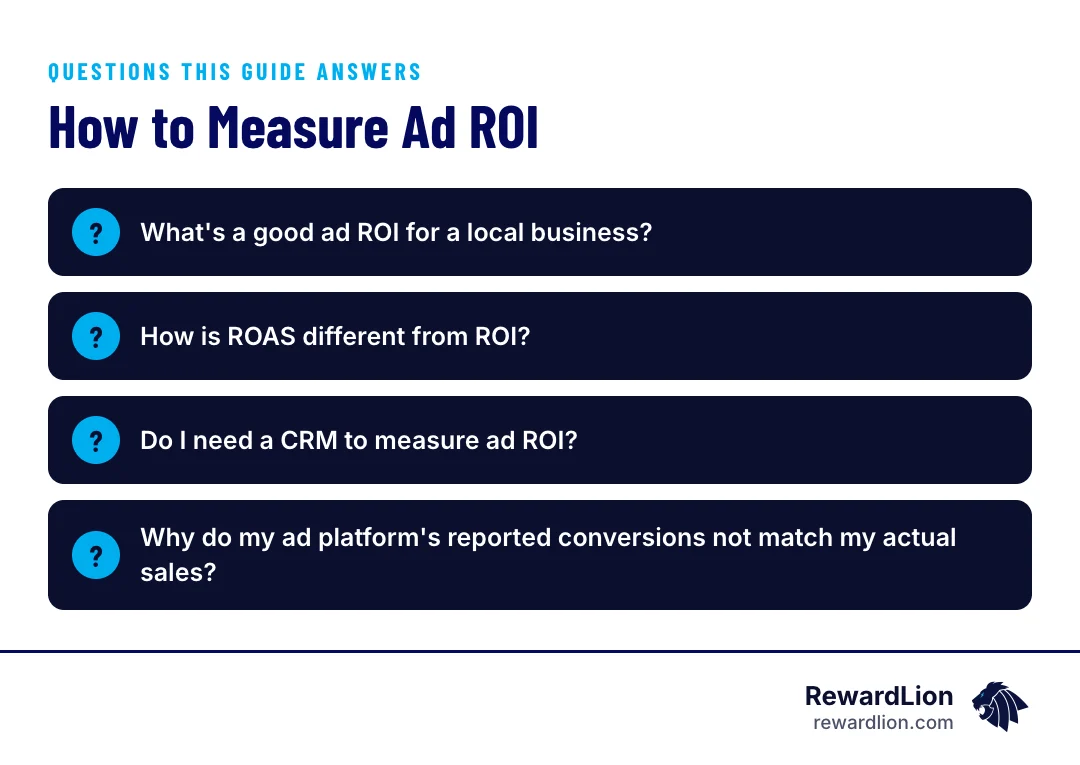
You don't need enterprise software to track ROI properly. A few practical tools go a long way:
- Call tracking numbers — assign a unique number per campaign so you know exactly which ad generated each call.
- UTM-tagged landing pages or sales funnels — isolate which specific page, offer, or funnel drove a lead.
- A simple CRM — tracks leads from first contact through booked and closed status.
- A basic dashboard — pulls spend, leads, and revenue into one place instead of three separate logins.
If you'd rather not stitch these together yourself, a CRM set up with automation and a tracked sales funnel cover most of this list in one system.
How Lead Follow-Up Speed and Automation Affect Your True ROI
Speed-to-lead matters more than most owners realize. Leads contacted within minutes convert at meaningfully higher rates than leads followed up with hours later. A campaign with great targeting and creative can still show poor ROI if leads sit unanswered for half a day. This is why automated lead follow-up — instant texts, call routing, reminder sequences — directly protects the ROI of ad spend that's already working well.
What fast follow-up looks like in practice
- An instant text confirming the inquiry was received
- Call routing that rings the right person immediately
- A reminder sequence for leads who don't answer the first time
- Appointment reminders so booked leads actually show up
For tool options, see our overview of lead automation software.
Local SEO, Reviews, and GEO: The "Free" Channels That Inflate or Deflate Your Paid Ad ROI Numbers
Review volume and rating influence both ad conversion rates (through ad extensions and social proof) and organic visibility in local search. A weak review profile can drag down the measured ROI of a paid campaign even when targeting and creative are solid, because fewer people trust the ad enough to click or call. Strong reviews and local search visibility work alongside paid ads, not separately from them.
That's why it helps to treat reputation management and local SEO as part of your ad performance, not as separate projects. When you compare channels, remember that a lift in organic calls during a campaign may be partly driven by the ads — and the ads may be converting better because of your reviews.
Quick answers from this guide
| Question | Short answer |
|---|---|
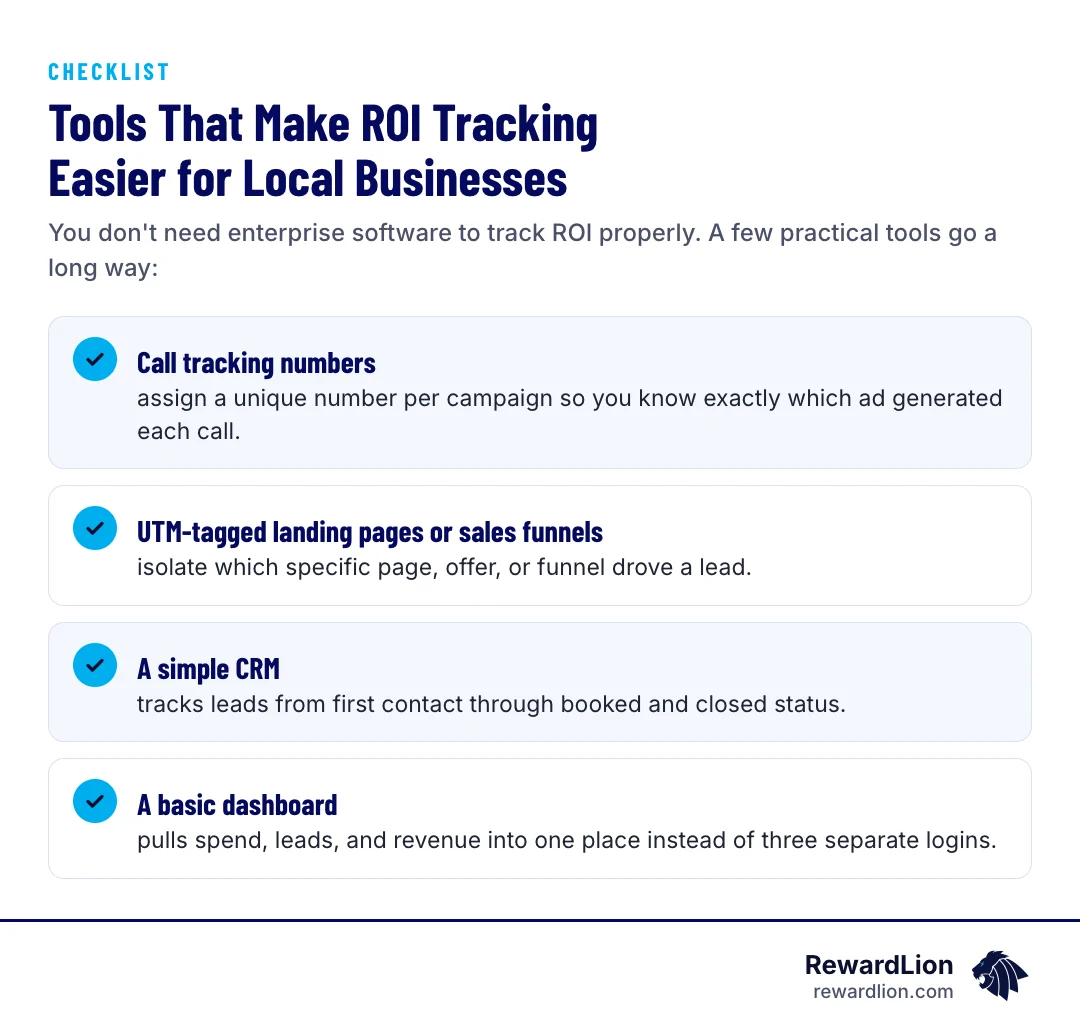
| What's a good ad ROI for a local business? | There's no universal number, since it depends on your margins, average customer value, and how long customers stay with you. |
| How is ROAS different from ROI? | ROAS measures gross revenue per ad dollar spent. ROI subtracts all your costs — ad spend, labor, tools, and cost of delivering the service — to show actual profit. |
| Do I need a CRM to measure ad ROI? | You don't strictly need one, but tracking leads from first contact through booked and closed status gets much harder without it. |
| Why do my ad platform's reported conversions not match my actual sales? | Platforms often use attribution windows and cross-device assumptions that can overstate results. |
A Simple Weekly/Monthly ROI Tracking Checklist for Small Business Owners
Each week or month, track these five numbers by channel — Google Search, Google Local Services, Facebook, Instagram — rather than blended together:
- Ad spend
- Number of leads generated
- Cost per lead
- Number of booked or closed customers
- Revenue per customer
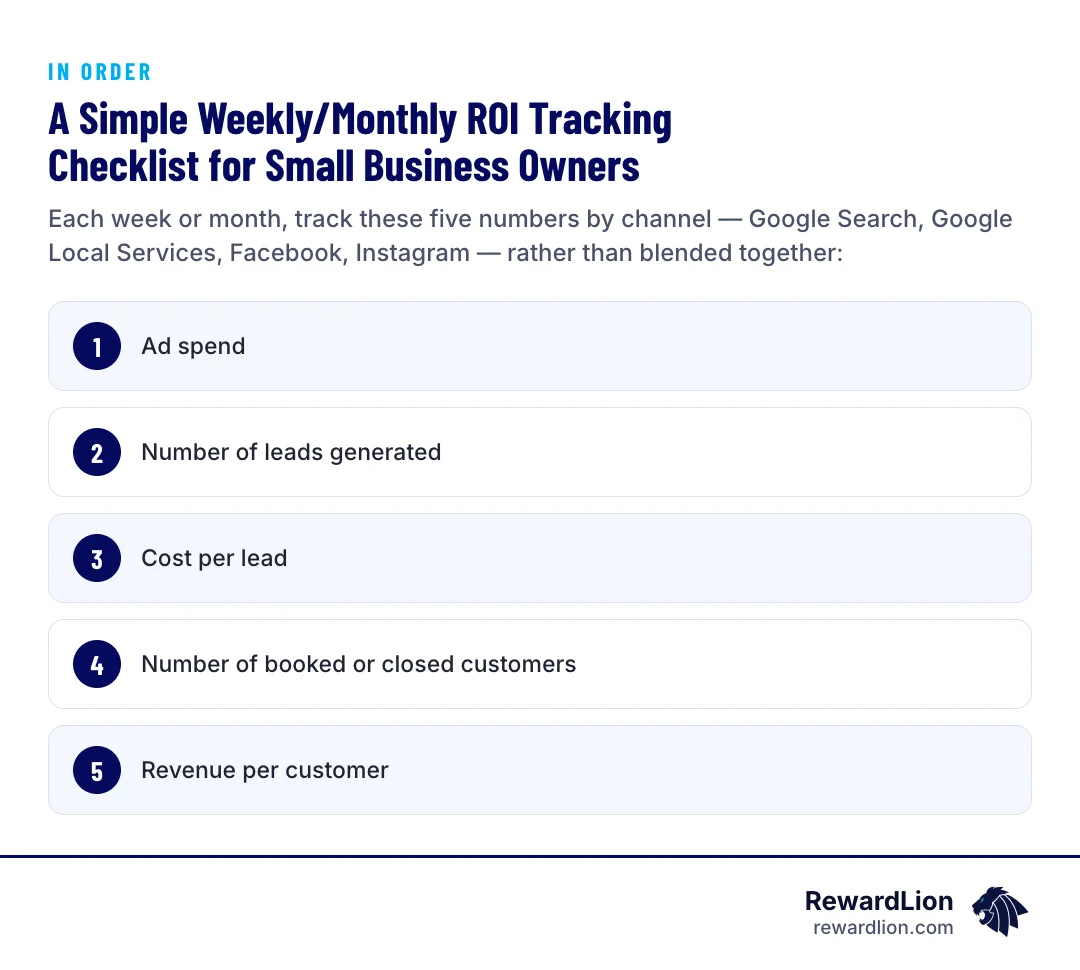
Blending channels together can mask which one is actually profitable. A channel with a low cost per lead but poor follow-up conversion can look cheap and still produce a poor ROI.
How to read the five numbers
- Cost per lead = ad spend ÷ number of leads
- Close rate = booked or closed customers ÷ number of leads
- Cost per customer = ad spend ÷ booked or closed customers
- Revenue per customer compared with cost per customer tells you whether the channel is paying for itself
Track these in a simple spreadsheet, one row per channel per month, and look at the trend over several months rather than reacting to a single week.
When to Call in Help: Signs Your Ad ROI Problem Is Really a Systems Problem
If cost per lead looks fine but cost per customer looks bad, the problem usually isn't the ad — it's what happens after the lead comes in. Separating cost per lead from cost per customer is critical. A campaign can generate cheap leads and still have poor ROI if lead quality is weak or follow-up is slow. When that gap shows up consistently, it's often a sign you need better tracking, automated follow-up, or a tighter funnel — not a different ad platform.
Signs it's time to get help
- You can't say which campaign produced last month's customers
- Leads regularly wait hours for a first response
- Platform-reported conversions and your own sales records never match
- Cost per customer keeps rising while cost per lead stays flat
If several of these sound familiar, talk to our team about tightening up tracking and follow-up before changing platforms.
Related reading
- The Beginner Field Guide to Digital Marketing Analytics
- A Practical Guide to Sales and Marketing Analytics
- The Real Cost of Advertising on Google and What You Should Expect
- RewardLion paid advertising services
FAQ
What's a good ad ROI for a local business?
There's no universal number, since it depends on your margins, average customer value, and how long customers stay with you. The goal is to calculate your own ROI consistently, by channel, so you can compare campaigns against each other over time.
How is ROAS different from ROI?
ROAS measures gross revenue per ad dollar spent. ROI subtracts all your costs — ad spend, labor, tools, and cost of delivering the service — to show actual profit. A campaign can have strong ROAS and weak ROI at the same time.
Do I need a CRM to measure ad ROI?
You don't strictly need one, but tracking leads from first contact through booked and closed status gets much harder without it. A simple CRM paired with call tracking and UTM links gives you the clearest picture.
Why do my ad platform's reported conversions not match my actual sales?
Platforms often use attribution windows and cross-device assumptions that can overstate results. Always cross-check platform-reported numbers against your own CRM or sales records before trusting them as the final ROI figure.