Year-End Marketing Review Template: A Practical Checklist for Local Businesses

A year-end marketing review template is a checklist you use to look back at what worked, what didn't, and what to change before the new year starts. For local and service businesses, the most useful version covers six areas: website and funnel performance, ad ROI, local SEO and AI search (GEO) visibility, review volume and response, lead follow-up speed, and year-over-year trends. Below is a practical, step-by-step version you can run through in an afternoon.
Before you start, block out time and gather:
- Website analytics access, plus any funnel or landing page reports
- Ad platform logins for Google, Facebook and Instagram
- Your Google Business Profile and review dashboards
- Your CRM or lead log, so you can see follow-up times and outcomes
- Last year's goals and budget notes, if you wrote any down
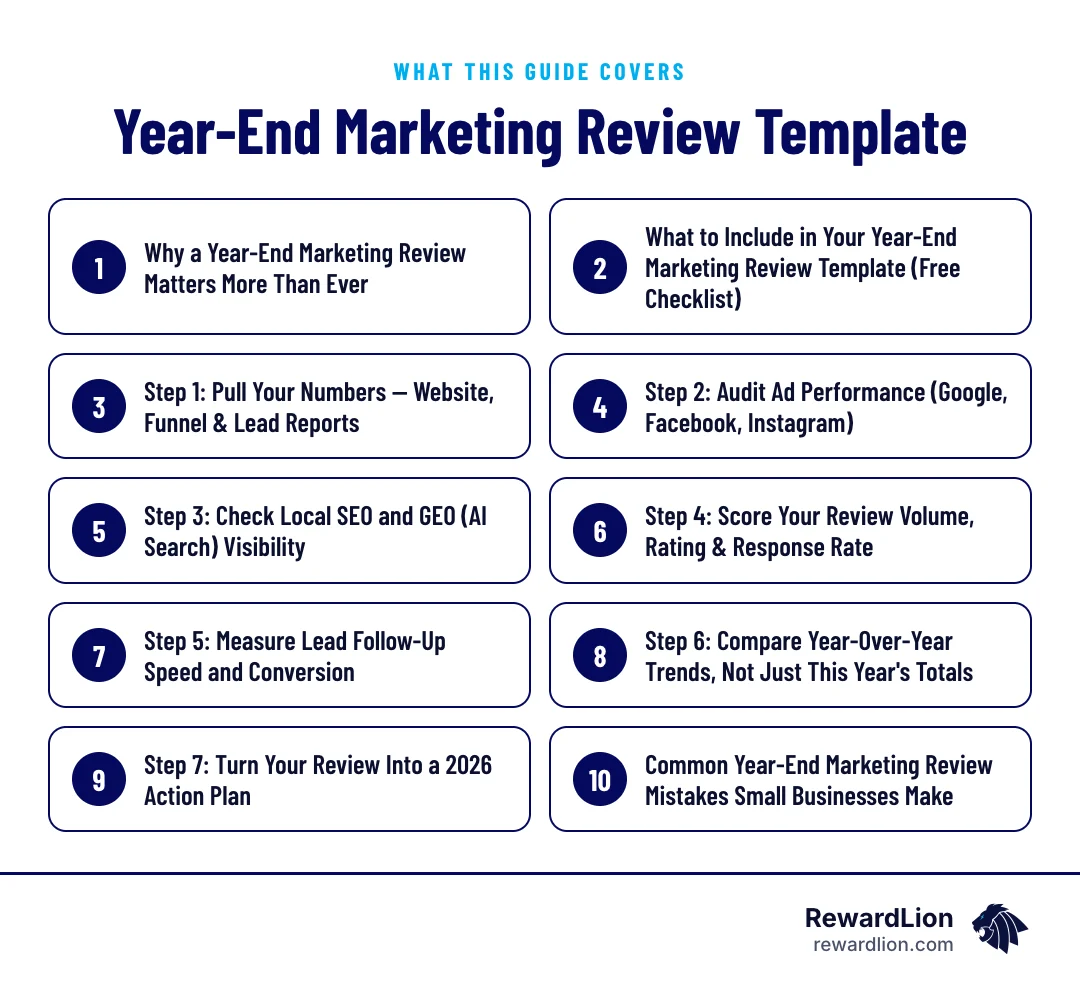
Why a Year-End Marketing Review Matters More Than Ever
Part of normal year-end planning
Most small business owners are buried in day-to-day operations and never step back to look at the full year. But a year-end review is standard practice in broader small business planning — QuickBooks includes "audit your website" and "review marketing efforts" right alongside reconciling accounts and gathering tax documents in its 15-step year-end checklist. Marketing isn't separate from year-end business planning — it's part of it.
Trends beat single-year totals
A marketing coach's year-end checklist also makes an important point: the goal isn't just to look at this year's totals. It's to compare the last several years side by side to spot real trends in what drives growth, particularly new-customer activity, rather than reacting to a single good or bad year (Entrepreneur).
What to Include in Your Year-End Marketing Review Template (Free Checklist)
Before you start pulling reports, know what you're building toward. According to Constant Contact's marketing audit guide, a proper year-end marketing report needs to record last year's strategy and goals, every channel you used, performance and spend by channel, and website performance data — before any actual audit of what's working can begin (Constant Contact).
The seven sections of the template
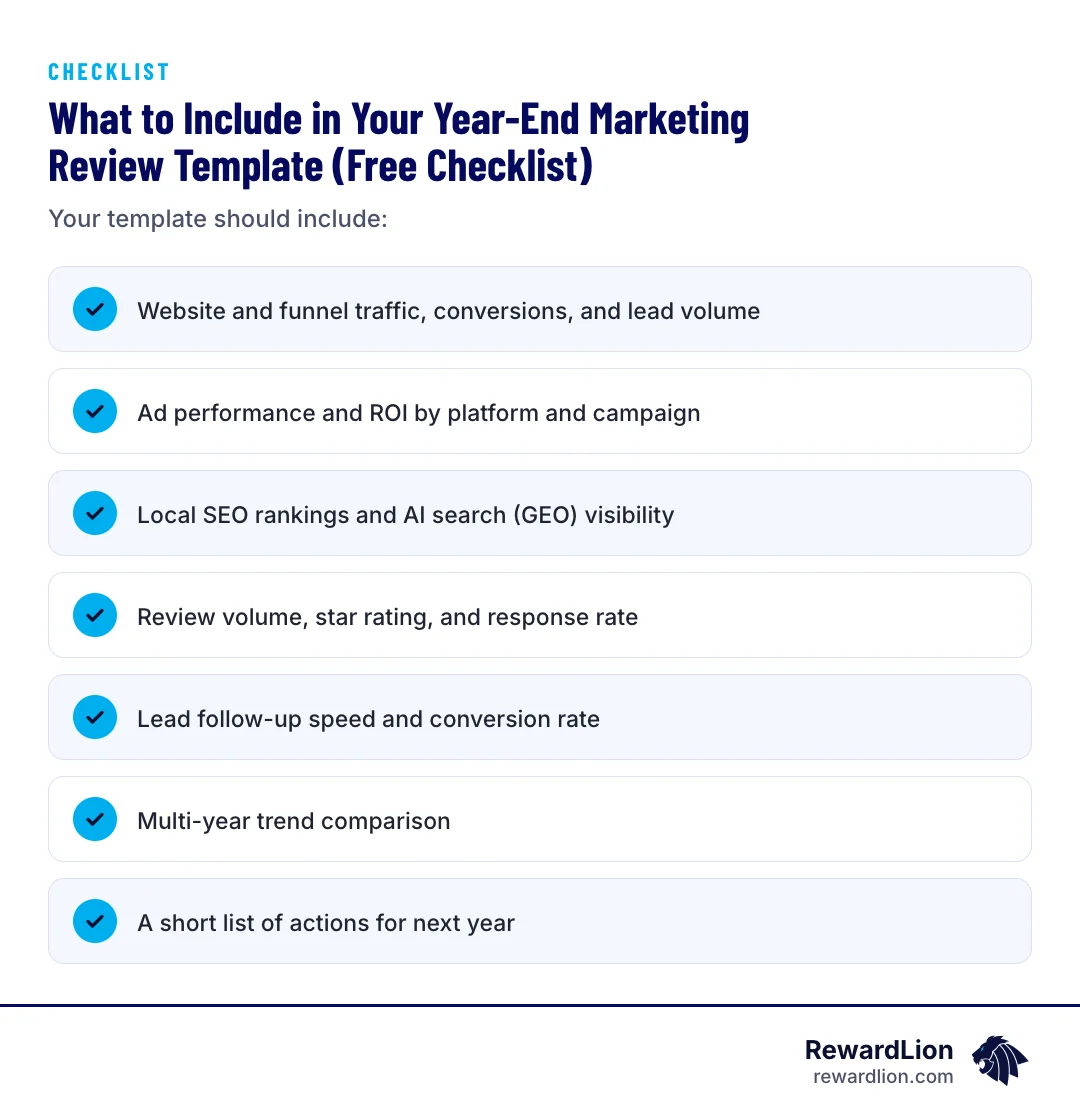
Your template should include:
- Website and funnel traffic, conversions, and lead volume
- Ad performance and ROI by platform and campaign
- Local SEO rankings and AI search (GEO) visibility
- Review volume, star rating, and response rate
- Lead follow-up speed and conversion rate
- Multi-year trend comparison
- A short list of actions for next year
A one-page scorecard you can copy
Set the template up as a simple table and fill it in as you work through the steps below:
| Review area | What to record | Where to find it | This year | Last year |
|---|---|---|---|---|
| Website and funnels | Traffic, conversion rate, leads | Website analytics, funnel reports | ||
| Paid ads | Spend, cost per lead, ROAS by platform | Google and Meta ad accounts | ||
| Local SEO and GEO | Local rankings, AI answer presence | Search results, AI tools, Search Console | ||
| Reviews | Total new reviews, average rating, response rate | Google Business Profile, review platforms | ||
| Lead follow-up | Time to first response, lead-to-booking rate | CRM or lead log | ||
| Trends | Direction of each metric over several years | Past reviews and reports |
Keeping the same layout every year makes the year-over-year comparison in Step 6 much faster.
Step 1: Pull Your Numbers — Website, Funnel & Lead Reports
Start with your website and any sales funnels or landing pages. Pull total traffic, conversion rate, and number of leads generated for the year. Note which pages or funnels produced the most leads and which ones underperformed.
This matters enough that QuickBooks lists a website audit as one of its 15 year-end business steps, right next to financial close-out tasks (QuickBooks). If you haven't looked at your website analytics since it launched, this is the step to start with.
Questions to answer in Step 1
- Which three pages or funnels produced the most leads, and why?
- Which pages got traffic but few or no leads?
- Did any forms, booking links or phone numbers break during the year?
- How did the site perform on mobile, where most local visitors arrive?
If you find pages that get visits but rarely convert, they are often the cheapest place to improve next year. Our website development and sales funnel teams work on exactly this kind of fix.
Step 2: Audit Ad Performance (Google, Facebook, Instagram)
The core numbers for every paid channel
For every paid channel you ran this year, pull the core numbers. Brown Creative Group's year-end checklist recommends analyzing overall lead volume and cost per lead, conversion rates by page, campaign and channel, engagement metrics, and return on ad spend — then using that data to decide which campaigns continue into the new year (Brown Creative Group).
Paid and organic KPIs to track
Stellar Media Marketing's 2026 checklist gets more specific on which paid-media KPIs to track: impressions, click-through rate, cost per click, cost per acquisition, conversion rate, and ROAS. On the organic side, it recommends tracking traffic volume, keyword rankings, engagement rate, and organic conversions (Stellar Media Marketing). Run through each channel one at a time rather than looking at a blended total — a strong month on one platform can hide a weak one on another.
For each campaign, end with one of three decisions: keep, fix or stop. Campaigns with a healthy cost per lead and leads that actually book stay; campaigns with clicks but few booked jobs get a new landing page or offer; campaigns that never produced a customer get paused. If you want a second opinion on ad accounts, see our paid advertising services.
Step 3: Check Local SEO and GEO (AI Search) Visibility
Why AI search belongs in the review
Local search visibility isn't just about Google rankings anymore. LocalIQ's 2025 local SEO trends report notes that much of the SEO work small businesses already do — optimizing their Google Business Profile, building citations, earning reviews — also helps them show up in ChatGPT and other AI tools (LocalIQ).
This matters because AI search has real reach now. Salesgenie reports that Google's AI Overviews are used by more than 1 billion people and were available in 200+ countries and territories and 40+ languages as of May 2025 (Salesgenie). If your business isn't showing up when someone asks an AI assistant for a recommendation in your service area, that's a visibility gap worth noting in your review.
How to check your visibility
Check both: where you rank in traditional local search results, and whether you show up when you or a customer asks an AI tool a relevant question about your service and area.
A simple way to run the check:
- Search for your main service plus your town on Google and note where you appear in the map results and the regular results.
- Ask one or two AI assistants the same kind of question a customer would, such as who to call for that service in your area.
- Note whether your business is named, and whether the details are correct.
- Review your Google Business Profile for accuracy: hours, services, photos and service areas.
For next steps, see our local SEO services and our guide on getting your website cited by large language models.
Step 4: Score Your Review Volume, Rating & Response Rate
What customers expect
Reviews deserve their own line item, not a footnote. Salesgenie's 2026 local SEO statistics report that 89% of consumers expect business owners to respond to reviews, 81% expect a response within one week, and 19% expect a same-day response (Salesgenie). The same report notes that 80% of consumers are more likely to use a business that responds to every review.
Search Engine Land's 2025 local SEO guide frames this as a customer service issue, not just a reputation management task — it urges businesses to prioritize swift, professional owner responses to reviews (Search Engine Land).
What to count
For your review: count total reviews this year, your average rating, and what percentage you responded to — and how quickly.
Then look for patterns in what reviewers say. Repeated praise tells you what to feature in next year's marketing; repeated complaints tell you what to fix in operations. If review requests depend on someone remembering to ask, add an automatic review request after every completed job. Our reputation management services can help set that up.
Step 5: Measure Lead Follow-Up Speed and Conversion
A lead that isn't followed up on quickly is a lead that's likely gone to a competitor. Track your average time to first response on new leads, and your lead-to-booked-appointment conversion rate. If you don't currently track this, start now — it's one of the easiest things to fix once you can see it.
How to measure follow-up if you have never tracked it
- Pull a sample of recent leads from your forms, calls and messages
- For each one, note when it came in and when someone first replied
- Note whether it became a booked appointment or job
- Look for patterns: after-hours leads, weekend leads or one channel that waits longer than others
An instant automatic text or email, followed by a call task for your team, is the usual fix. A CRM with automation makes both the follow-up and the measurement automatic.
Step 6: Compare Year-Over-Year Trends, Not Just This Year's Totals
A single year of data tells you what happened. Multiple years tell you why. The Entrepreneur year-end checklist specifically recommends comparing the last five years to spot patterns in what drives top-line, new-customer growth, rather than reacting to one year in isolation (Entrepreneur).
Starting your history
If you've only been tracking marketing data for a year or two, start building that history now so next year's review has something to compare against.
Save this year's completed scorecard somewhere the whole team can find it. Next December, you add a column instead of starting from scratch. For more on choosing which numbers to keep, see our guide to sales and marketing analytics.
Step 7: Turn Your Review Into Next Year's Action Plan
A review is only useful if it ends in decisions. Enji's year-end audit framework breaks the process into short, timed blocks — reviewing goals, updating customer personas, reviewing KPIs, and reviewing spend — which makes it realistic to complete a full review in under an hour, even for a busy owner (Enji).
For each section above, write down one or two specific actions: pause an underperforming ad, fix a slow lead response process, add a review-request step after every appointment, or update your Google Business Profile. Keep the list short and specific so it actually gets done in Q1.
An action plan table
| Finding from the review | Action for next year | Owner | Target date |
|---|---|---|---|
| Ad campaign with clicks but few bookings | Test a new landing page or pause it | Marketing lead | End of January |
| Slow replies to after-hours leads | Add an instant automatic text and email | Office manager | Mid-January |
| Few new reviews | Add a review request after every job | Owner | End of January |
| Not named in AI answers | Update Google Business Profile and key service pages | Marketing lead | End of Q1 |
Replace the examples with your own findings. Assign one owner per action and put the dates on the calendar so the plan doesn't stall.
Quick answers from this guide
| Question | Short answer |
|---|---|
| How long should a year-end marketing review take? | It depends on how organized your data already is. Frameworks like Enji's break the process into short, timed blocks — reviewing goals, personas, KPIs, and spend — to make it realistic to complete in under an hour once your reports are pulled together (Enji). |
| What's the difference between local SEO and GEO (AI search visibility)? | Local SEO is how you rank in traditional search engine results for local searches. |
| Why should review response rate be part of a marketing review? | Because it directly affects whether people choose your business. Salesgenie reports that 89% of consumers expect business owners to respond to reviews, and 80% are more likely to use a business that responds to every review (Salesgenie). |
| Should I compare just this year's numbers, or multiple years? | Compare multiple years if you have the data. The Entrepreneur year-end checklist specifically recommends looking at the last five years to identify real trends in growth, rather than drawing conclusions from a single year (Entrepreneur). |
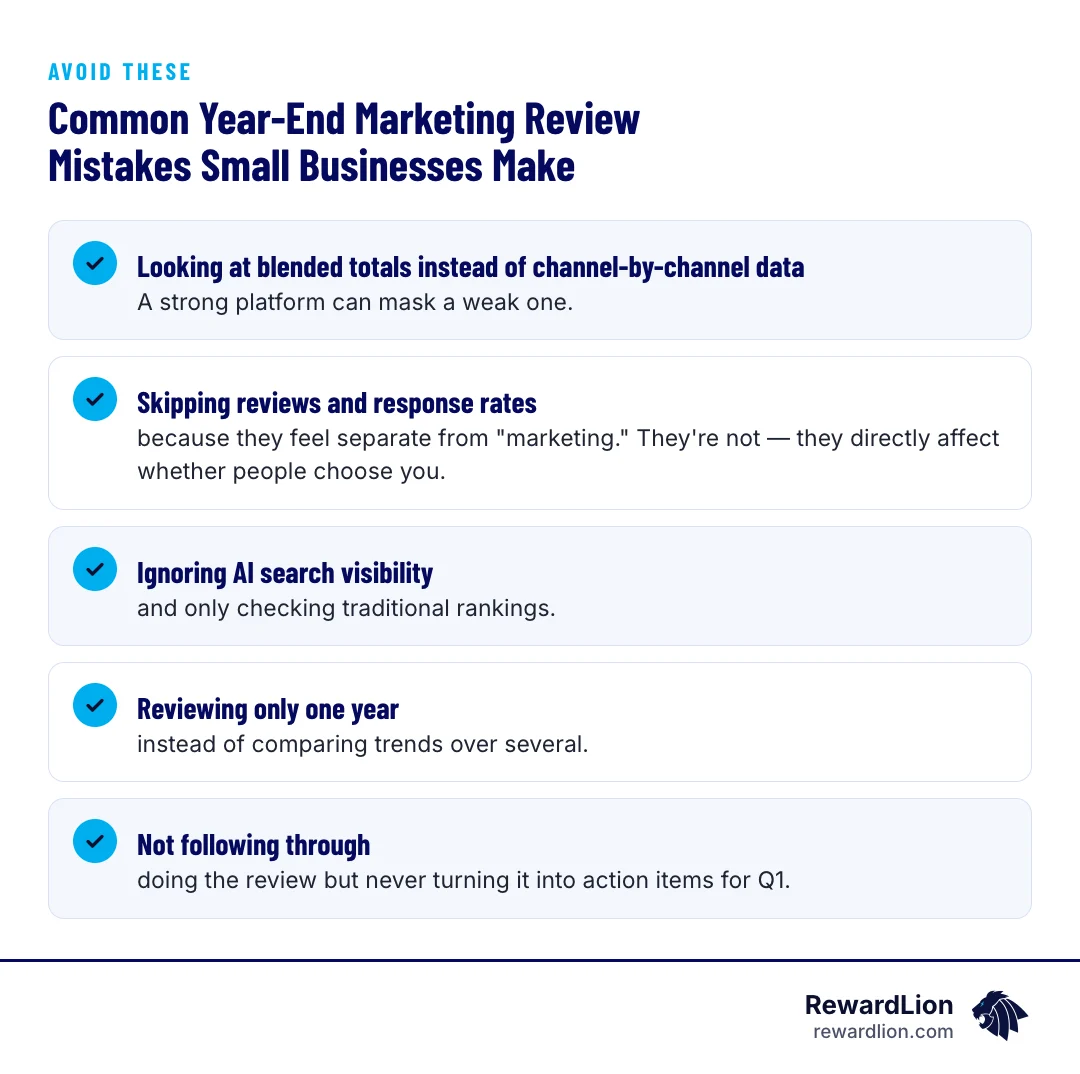
Common Year-End Marketing Review Mistakes Small Businesses Make
- Looking at blended totals instead of channel-by-channel data. A strong platform can mask a weak one.
- Skipping reviews and response rates because they feel separate from "marketing." They're not — they directly affect whether people choose you.
- Ignoring AI search visibility and only checking traditional rankings.
- Reviewing only one year instead of comparing trends over several.
- Not following through — doing the review but never turning it into action items for Q1.
How RewardLion Automates Your Year-End Marketing Review
Running this review manually every December takes time most owners don't have. RewardLion brings website, funnel, ad, local SEO, GEO visibility, review, and lead follow-up data together so you can see it in one place rather than logging into five different dashboards. If you want help running your year-end review or building next year's plan, reach out to RewardLion.
To talk through your own review, contact our team.
Related reading
- The Beginner Field Guide to Digital Marketing Analytics
- The Lead Generation Campaign Plan Template
- A Comprehensive Guide to Marketing Automation
- RewardLion RewardLion CRM
FAQ
How long should a year-end marketing review take?
It depends on how organized your data already is. Frameworks like Enji's break the process into short, timed blocks — reviewing goals, personas, KPIs, and spend — to make it realistic to complete in under an hour once your reports are pulled together (Enji).
What's the difference between local SEO and GEO (AI search visibility)?
Local SEO is how you rank in traditional search engine results for local searches. GEO refers to how you show up in AI tools like ChatGPT or Google's AI Overviews. LocalIQ's 2025 trends report notes the two overlap significantly — much of the local SEO work you already do also helps your AI search visibility (LocalIQ).
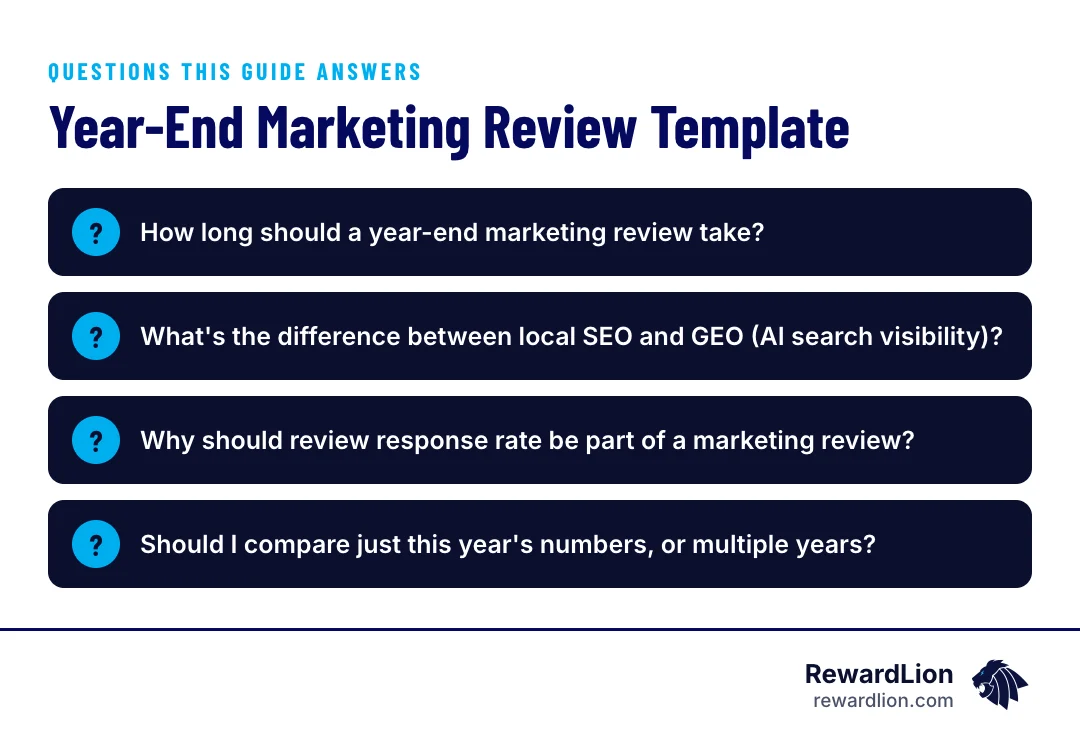
Why should review response rate be part of a marketing review?
Because it directly affects whether people choose your business. Salesgenie reports that 89% of consumers expect business owners to respond to reviews, and 80% are more likely to use a business that responds to every review (Salesgenie).
Should I compare just this year's numbers, or multiple years?
Compare multiple years if you have the data. The Entrepreneur year-end checklist specifically recommends looking at the last five years to identify real trends in growth, rather than drawing conclusions from a single year (Entrepreneur).

Sources
- The End-of-the-Year Marketing Checklist That Helped Triple Our Annual Revenue Growth
- Year-end checklist for small businesses: 15 steps to prepare for the new year
- End-of-Year Marketing Checklist
- Marketing Audit Guide with Checklist
- A Year-End Marketing Audit to Plan Next Year's Marketing Strategy
- How to Prepare a Year-End Marketing Performance Report
- Marketing Performance Review: Your 2026 Checklist
- 23 Local SEO Statistics: 2026 Data, Trends, and Insights for SMBs
- Local SEO in 2025: banes, blessings, and predictions
- 5 Trending Questions About Local SEO, Answered!
- Free Annual Marketing Report Templates
- Free end of year marketing report template
- Marketing KPIs: essential metrics to track performance in 2026
- Marketing metrics: 25 KPIs to track in 2026
- End-of-Year Checklist for Small Businesses: 11 Things to Do Before the Year Ends
- Your Business Year In Review
- The End-of-Year Marketing Audit: 5 Things Every Business Owner Should Review