Where to Put Testimonials on a Website (Placement-by-Placement Guide)

The best places to put testimonials are above the fold on your homepage, directly before your call-to-action on landing pages, right next to pricing or buy buttons, and alongside the specific service or feature they support. Placement matters because testimonials only work if a visitor actually sees them at the moment they're deciding whether to trust you. A great quote buried at the bottom of a page does almost nothing. The same quote next to a CTA can change the outcome.
At a glance, here is where this guide recommends testimonials go:
- Homepage — a trust bar or one strong quote in the hero section
- Landing pages — right before the call-to-action
- Pricing and checkout — beside prices, offers and buy or book buttons
- Service pages — next to the specific claim each quote supports
- About, Contact and a dedicated reviews page — as supporting proof
- Exit-intent popups, headlines and ad copy — as a final nudge and a source of words that sell
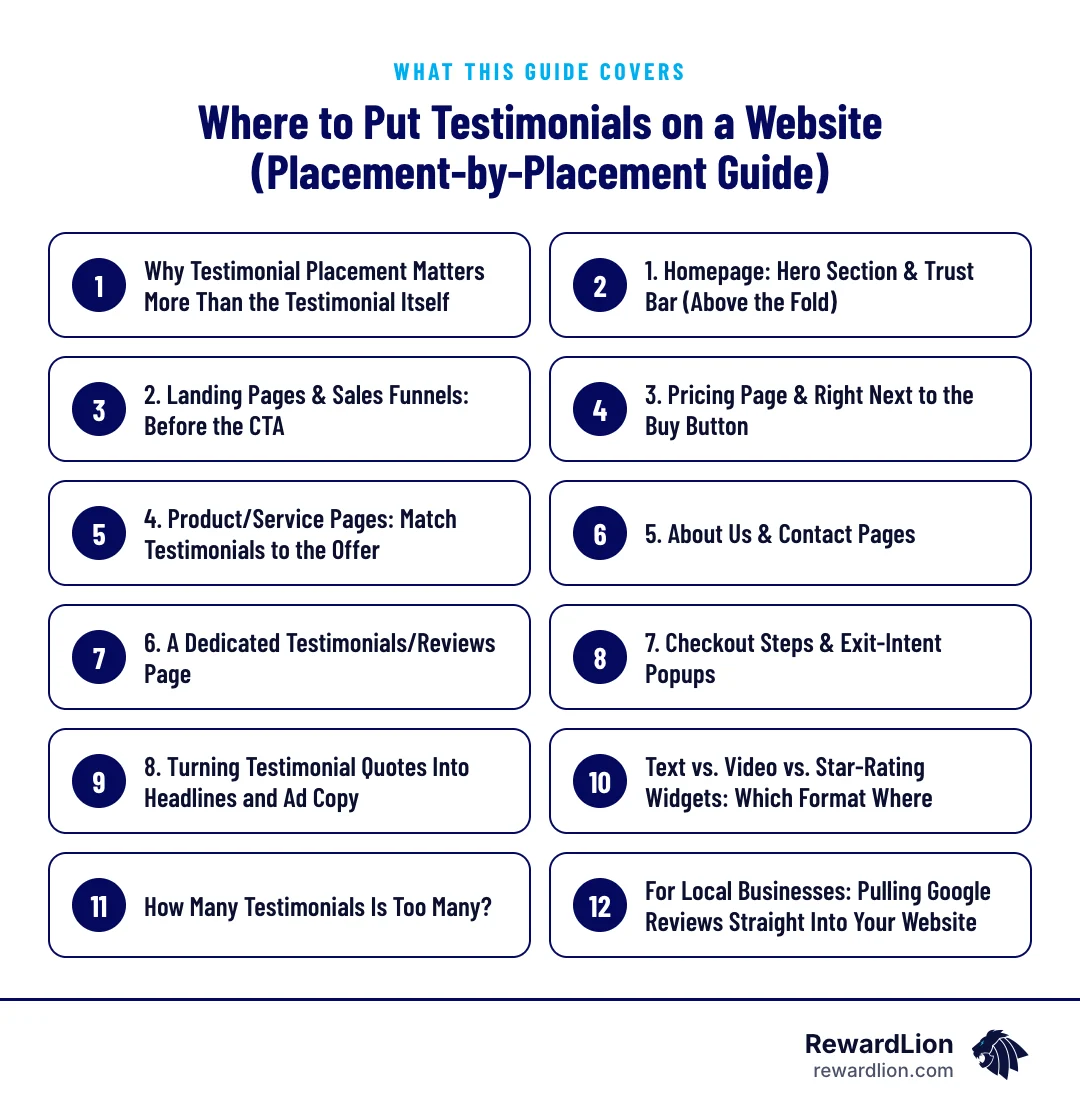
Why Testimonial Placement Matters More Than the Testimonial Itself
What the research shows
Most businesses collect reviews and testimonials, then stick them wherever there's leftover space on the page. That's backwards. VWO case studies cited by SocialProof.dev show conversion lifts from testimonials on a landing page as high as 270% at the top end. Consumers also do their homework before buying: 92% read online reviews before making a purchase decision, per BrightLocal data cited by SocialProof.dev. If your testimonials aren't where people are looking, that research moment works against you instead of for you.
Why it matters for local and service businesses
For local and service businesses, this is especially relevant. You're often sending traffic from Google Business Profile, Facebook ads, or referral links straight to a landing page or homepage — and that first impression has to carry weight fast.
Before deciding where each testimonial goes, it helps to know what makes one worth placing at all. A strong testimonial is usually:
- Specific — it mentions the service, the problem or the result in the customer's own words
- Relevant — it matches the page and the offer it sits next to
- Believable — it comes with a first name or initial, a town, a photo or a star rating where the customer has agreed
- Short enough to scan — one or two sentences for high-visibility spots
1. Homepage: Hero Section & Trust Bar (Above the Fold)
Your homepage is typically a site's most-visited page, which makes it the highest-leverage spot for testimonials — ideally placed in the hero section or a dedicated trust bar near the top (Testimonial.to). Nielsen Norman Group data, cited by SocialProof.dev, found that adding testimonials above the fold produced an average 34% conversion lift. A short trust bar with a star rating, a logo strip, or one strong quote right under your headline does more work than a full testimonials section six scrolls down.
What to put in a homepage trust bar
- Your overall star rating and the platform it comes from
- One short quote that speaks to your most important promise
- Logos of associations, certifications or well-known clients, where you genuinely have them
2. Landing Pages & Sales Funnels: Before the CTA
If you run paid ads or funnels, testimonial placement on the landing page is one of the highest-impact decisions you'll make. In a VWO case study, moving two testimonials above the fold on an eBook landing page increased conversions by 64.53%. Underwater Audio ran an A/B test placing a testimonial directly before the CTA, following the natural F-shaped eye-flow pattern, and lifted sales by 35.6% (VWO). The pattern is consistent: testimonials work best positioned right before the action you want someone to take, not after it.
A simple landing page layout
- Headline and offer
- A short supporting testimonial or star rating
- Benefits or what's included
- A second testimonial that answers the biggest objection
- The form or booking button
If you are building pages for ads, our landing page services and sales funnel services follow this structure.
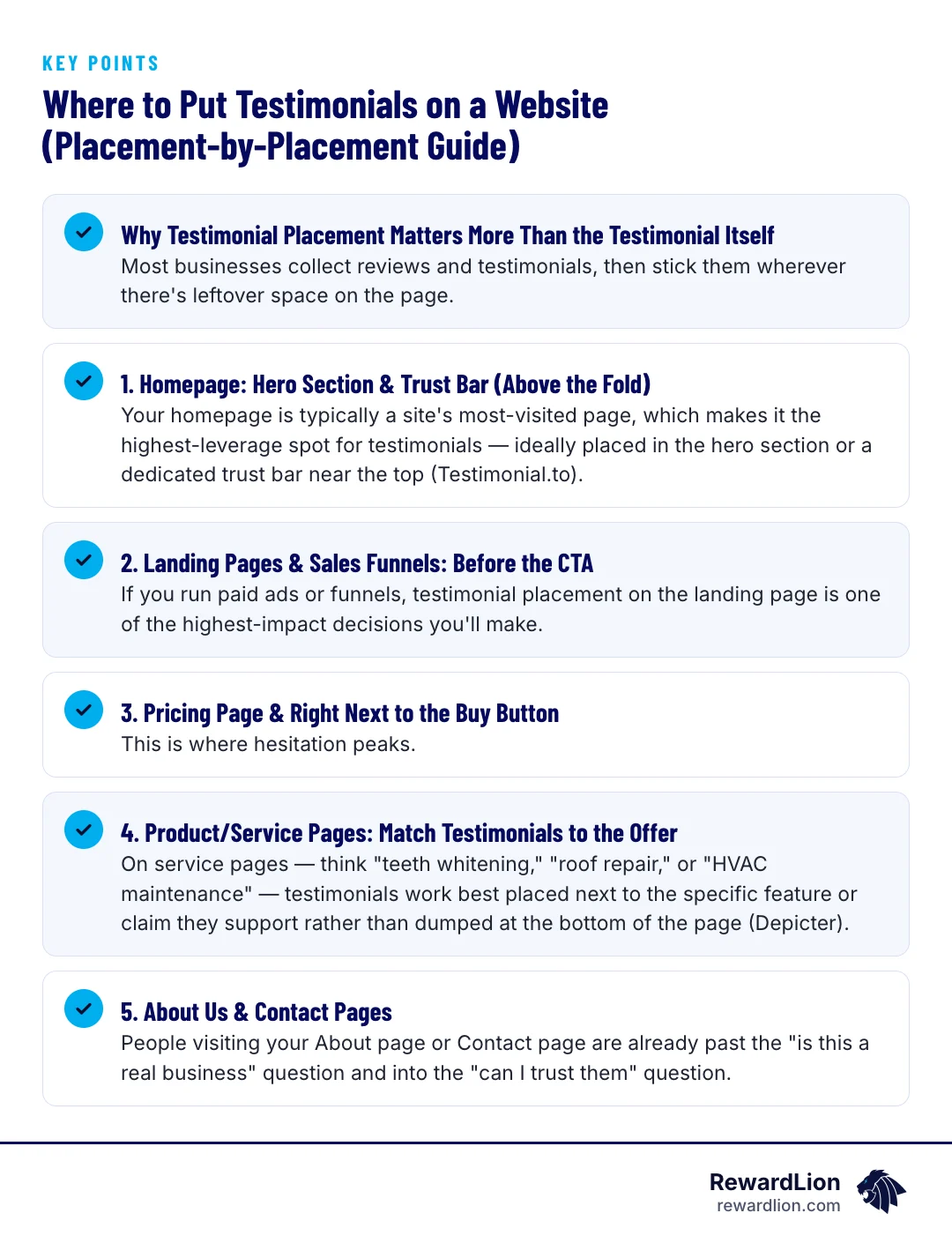
3. Pricing Page & Right Next to the Buy Button
This is where hesitation peaks. On sales and checkout pages, testimonials should sit directly beside pricing tables, offer details, and purchase buttons to eliminate last-second doubt (JessCreatives). Testimonials can lift conversions on sales pages by 34%, reinforcing that pricing and offer pages deserve priority placement — not just the homepage (OptinMonster, Social Proof Statistics).
Which quotes work best near the price
Choose testimonials that speak to value, fairness and no surprises — for example, a customer saying the final bill matched the quote, or that the service was worth it. These address the doubts people have at the exact moment they are looking at a price or a book button.
4. Product/Service Pages: Match Testimonials to the Offer
On service pages — think "teeth whitening," "roof repair," or "HVAC maintenance" — testimonials work best placed next to the specific feature or claim they support rather than dumped at the bottom of the page (Depicter). Relevance beats volume. A quote about fast emergency response belongs next to your emergency service description, not mixed into a generic list.
How to match quotes to claims
- List the main claims on each service page, such as fast response, clean work or clear pricing.
- Tag each testimonial you have with the claim it supports.
- Place each tagged quote directly under or beside its claim.
- If a claim has no supporting testimonial yet, ask recent customers about that specific point.
5. About Us & Contact Pages
People visiting your About page or Contact page are already past the "is this a real business" question and into the "can I trust them" question. A few testimonials here reinforce credibility right as someone is deciding whether to call, email, or book.
6. A Dedicated Testimonials/Reviews Page
A standalone reviews page gives skeptical visitors a place to dig deeper, and it's useful for linking from ads, email, or Google Business Profile. It won't do the heavy lifting your homepage or landing page does, but it's a solid supporting asset.
Organize it so visitors can find what matters to them — by service, by location or by type of customer — and link to longer stories, such as our case studies format, where a customer's full experience helps.
7. Checkout Steps & Exit-Intent Popups
Trustmary recommends surfacing reviews near CTA widgets — book a meeting, start a free trial, buy now — and in exit-intent popups aimed at visitors about to leave (Trustmary). This tactic fits lead-capture funnels particularly well: a short testimonial in an exit popup can be the last nudge before someone abandons the page.
Keep popups helpful, not annoying
- Show the popup only once per visit
- Keep it to one short quote, one line of offer and one button
- Make it easy to close, especially on mobile
For more on capturing those visitors, see our guide to lead capture software.
8. Turning Testimonial Quotes Into Headlines and Ad Copy
Don't just display testimonials — mine them for copy. Swapping standard headline copy for testimonial language produced a 24.31% lift in newsletter signups in one VWO test, and a separate Copy Hackers test reported by VWO saw a 103% lift. When consumers interact with reviews, they are 58% more likely to convert, according to BigCommerce data cited by Testimonial.to, which makes landing-page placement a direct revenue lever, not a decoration.
How to mine reviews for copy
- Collect your recent reviews in one document.
- Highlight phrases customers repeat, such as how they describe the problem or the result.
- Turn the strongest phrase into a headline or ad line, with permission where you quote someone directly.
- Test it against your current headline and keep the one that performs better.
The same phrases can feed your paid advertising and social posts.
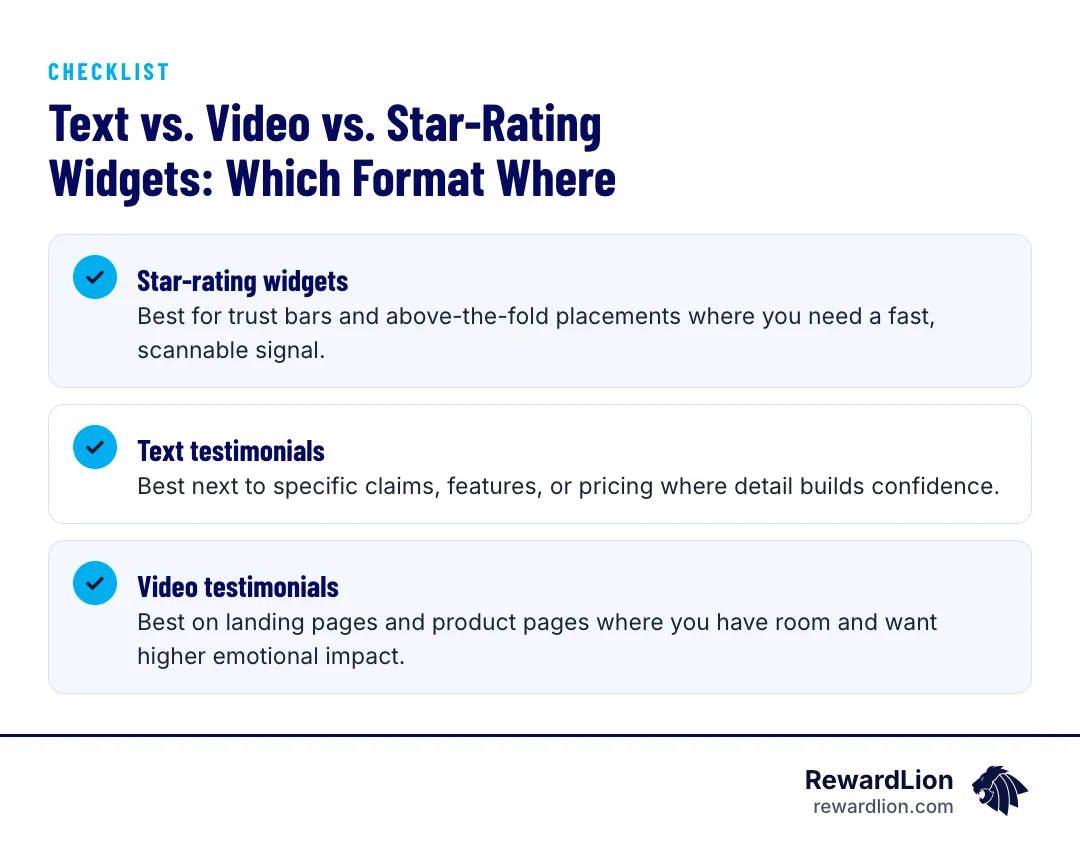
Text vs. Video vs. Star-Rating Widgets: Which Format Where
- Star-rating widgets: Best for trust bars and above-the-fold placements where you need a fast, scannable signal.
- Text testimonials: Best next to specific claims, features, or pricing where detail builds confidence.
- Video testimonials: Best on landing pages and product pages where you have room and want higher emotional impact.
Match the format to how much attention the placement gets. Above-the-fold space is precious — keep it short. Mid-page sections can handle longer text or video.
Placement and format cheat sheet
| Placement | Best format | What to show |
|---|---|---|
| Homepage hero or trust bar | Star-rating widget or one short quote | Overall rating and your core promise |
| Landing page, before the CTA | Short text or video | The biggest objection, answered |
| Pricing and buy or book buttons | Short text | Value, fairness, no surprises |
| Service pages | Text | The specific claim on that part of the page |
| About and Contact pages | Text | Trust in the people and the business |
| Dedicated reviews page | Text, video and ratings | Depth and variety, organized by service |
| Exit-intent popup | One short quote | A final reason to stay |
If you want help producing short customer videos, see our video production services.
How Many Testimonials Is Too Many?
There's no fixed number, but more isn't automatically better. A wall of quotes dilutes attention and slows the page down. A handful of well-placed, relevant testimonials next to the right claims typically outperforms a long, generic list at the bottom of a page.
Quick answers from this guide
| Question | Short answer |
|---|---|
| Where should testimonials go on a homepage? | The highest-impact spot is above the fold — in the hero section or a trust bar near the top — since the homepage is typically a site's most-visited page. |
| Do testimonials really affect conversion rates? | Placement and relevance both matter. Multiple A/B tests cited by VWO and SocialProof.dev show meaningful conversion lifts when testimonials are moved above the fold or placed directly before a call-to-action, though results vary by business and offer. |
| Should I use video or text testimonials? | Both work, but in different spots. Text testimonials are efficient for pricing pages and specific claims. |
| How do I keep testimonials updated without manual work? | Tools that sync directly with your Google Business Profile or Facebook reviews can automatically pull new reviews onto your website, which keeps homepage, landing page, and service page testimonials current without ongoing manual updates. |
For Local Businesses: Pulling Google Reviews Straight Into Your Website
For clinics, contractors, and other local service businesses, your Google and Facebook reviews are often your most trusted source of social proof. Tools that pull these reviews automatically into your website let you keep your homepage, landing pages, and service pages updated without manually copying and pasting quotes every time a new review comes in. This also keeps the content fresh, which matters since visitors are comparing what they see on your site to what they can find on Google anyway.
Keeping it honest and compliant
- Use real reviews only, and don't edit a customer's words in ways that change their meaning
- Get permission before using a customer's name, photo or video
- Don't cherry-pick in a misleading way; a mix of recent reviews is more believable
- Follow each review platform's display rules when embedding ratings
A placement checklist to finish
- Homepage hero or trust bar has a rating or short quote.
- Every landing page has a testimonial just before the CTA.
- Pricing and booking areas have a value-focused quote nearby.
- Each service page has at least one quote matched to a claim.
- Reviews are refreshed automatically or on a set schedule.
A steady flow of new reviews makes all of this easier. Our reputation management services and website development teams can help you collect reviews and place them where they matter, or you can contact us with questions.
Related reading
- Stop Being the Best Kept Secret by Overhauling Your Personal Branding Strategies
- How to Use a Lead Generation Landing Page Builder to Double Conversions
- The Lead Capture System Blueprint
- RewardLion reputation management services
FAQ
Where should testimonials go on a homepage?
The highest-impact spot is above the fold — in the hero section or a trust bar near the top — since the homepage is typically a site's most-visited page.
Do testimonials really affect conversion rates?
Placement and relevance both matter. Multiple A/B tests cited by VWO and SocialProof.dev show meaningful conversion lifts when testimonials are moved above the fold or placed directly before a call-to-action, though results vary by business and offer.
Should I use video or text testimonials?
Both work, but in different spots. Text testimonials are efficient for pricing pages and specific claims. Video testimonials tend to fit better on landing pages or product pages where visitors are already engaged and have more time.
How do I keep testimonials updated without manual work?
Tools that sync directly with your Google Business Profile or Facebook reviews can automatically pull new reviews onto your website, which keeps homepage, landing page, and service page testimonials current without ongoing manual updates.

Sources
- Where To Put Testimonials On Website? 7 Places With The Highest Impact
- Where to Place Testimonials on a Website for Maximum Trust
- Where to Place Testimonials on a Website
- Testimonials: How to Squeeze Last Ounce of Conversions
- How to Use Testimonials to Increase Your Conversion Rate (With Data)
- Unlock Trust & Sales with Testimonials on Landing Pages
- 10 Great Testimonial Examples From Landing Pages
- Where to Showcase Customer Reviews on Your Website
- 50+ Social Proof Statistics & Trends (2024)
- Social Proof Statistics: Powerful Facts That Will Help You Boost Your Brand