Small Business Content Calendar: A Capacity-First Framework That Actually Sticks
A small business content calendar works best when it's built around how much time you actually have, not how much content you wish you could produce. Most calendars fail not because owners run out of ideas, but because they plan a posting schedule they can't sustain past week three. The fix is a capacity-first system: a realistic cadence, a batching workflow, and a plan that connects content to leads and follow-up, not just likes.
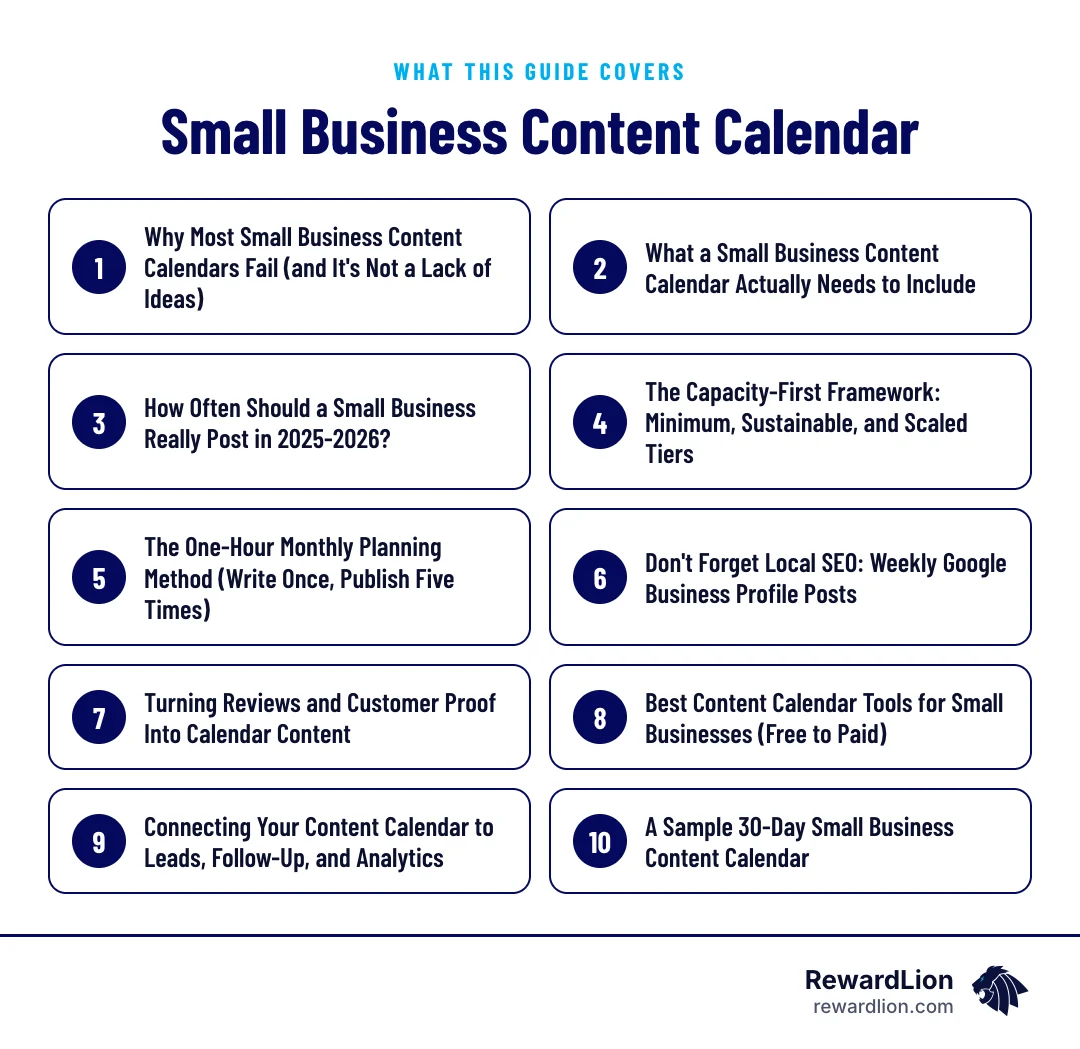
This guide walks through:
- Why calendars fail and how to size one to the time you really have
- The five things a calendar should coordinate on one timeline
- Three capacity tiers and how to pick yours
- A one-hour monthly batching method that feeds every channel
- How to tie content to leads, follow-up and analytics
Why Most Small Business Content Calendars Fail (and It's Not a Lack of Ideas)
Ambition beats capacity, then everything stops
Most calendars collapse under their own ambition. An owner sets a goal to post daily on three platforms, keeps it up for two weeks, then life gets busy and the whole thing stops. Consistency matters more than volume: accounts with an irregular posting schedule see roughly 40% lower average reach than accounts that post consistently, even with the same total number of posts, according to Buffer data cited by socioapt.com. A thin, steady schedule beats a heavy one you abandon.
Chasing every platform
The platform-chasing problem makes this worse. An Adobe survey found that 88% of business owners using TikTok report posting burnout, and 81% feel pressure to post daily just on that one platform (adobe.com). Trying to be everywhere, every day, is the fastest route to quitting entirely.
What a Small Business Content Calendar Actually Needs to Include
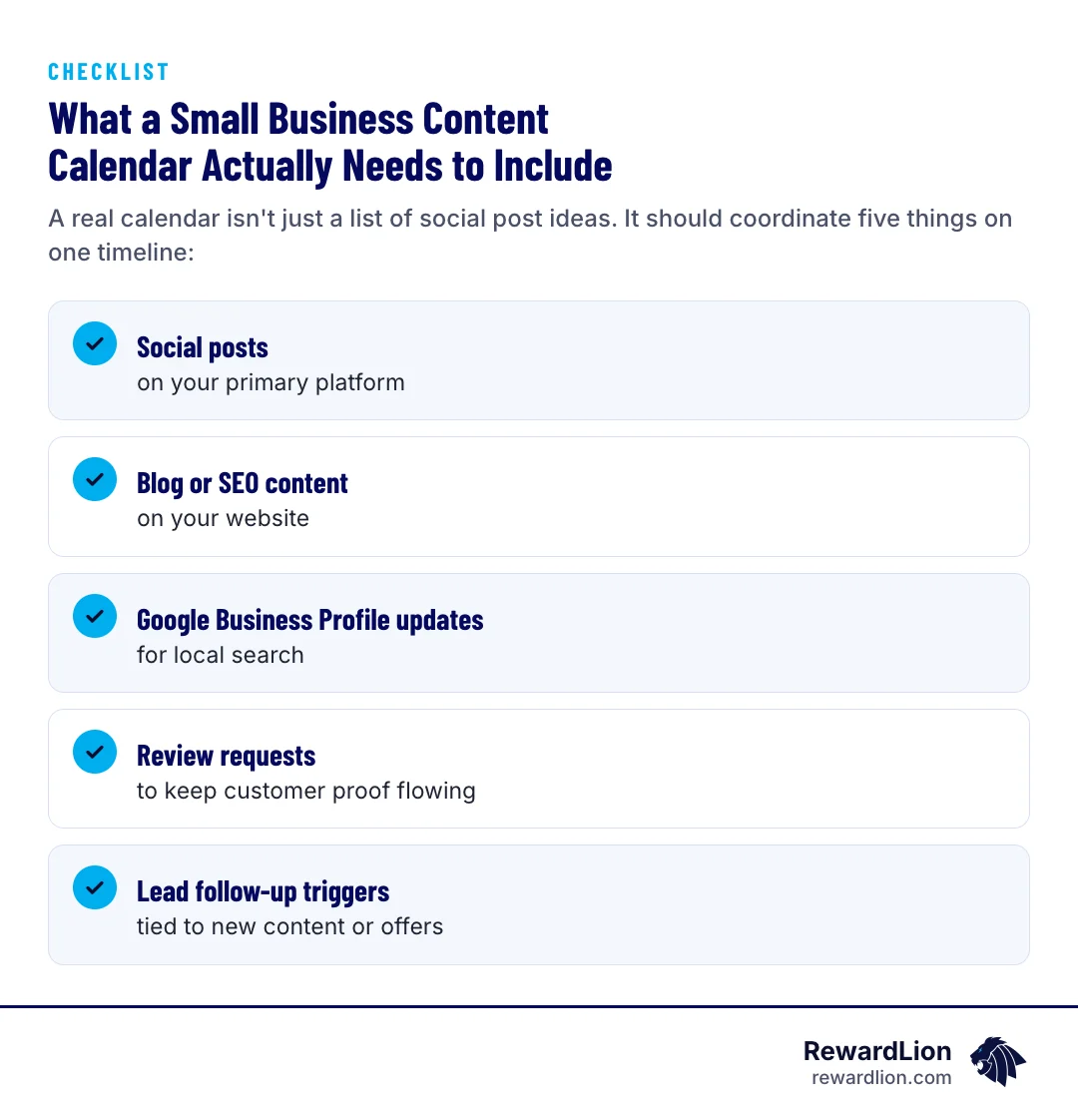
A real calendar isn't just a list of social post ideas. It should coordinate five things on one timeline:
- Social posts on your primary platform
- Blog or SEO content on your website
- Google Business Profile updates for local search
- Review requests to keep customer proof flowing
- Lead follow-up triggers tied to new content or offers
When these run separately, you end up with disconnected effort: a blog post nobody shares, a promotion nobody follows up on. When they're planned together, one piece of content can feed all five.
What each calendar entry should record
Whatever tool you use, give every entry the same few fields so anyone on the team can pick it up:
| Field | What to write | Why it matters |
|---|---|---|
| Publish date | The day it goes live | Keeps the cadence visible at a glance |
| Channel | Blog, social, GBP, email or review request | Shows whether one channel is being skipped |
| Topic | The customer question it answers | Keeps content tied to real demand |
| Owner | Who writes and who publishes | Removes "I thought you were doing it" |
| Call to action | The page, form or phone number it points to | Connects attention to leads |
| Status | Idea, drafted, scheduled, published | Makes the weekly check-in take minutes |
How Often Should a Small Business Really Post in 2025-2026?
Quality over volume
Most small businesses should aim for 3-5 quality posts per week on their primary platform rather than posting daily, according to thesmallbusinessexpo.com. As the team at thesmallbusinessexpo.com puts it, it's far better to post three times a week with excellence than seven times a week with mediocrity.
A realistic starting cadence
A realistic starting cadence for most small businesses looks like this, per digitalawmarketing.com:
- Blog: 1-2 posts per month (digitalawmarketing.com)
- LinkedIn or Facebook: 2-4 posts per week (digitalawmarketing.com)
- Email newsletter: 1-2 times per month (digitalawmarketing.com)
This matters because most of your competitors aren't doing even this much. Only 57% of small businesses report doing any content marketing at all, and of those, just 61% have a documented content marketing plan (servicedirect.com). A modest, consistent calendar already puts you ahead of most local competitors.
The Capacity-First Framework: Minimum, Sustainable, and Scaled Tiers
A capacity-first model right-sizes the calendar to who's actually doing the work, per the three-tier approach described by seoraf.com:
Minimum tier (solo owner, no help): one "minimum viable" pace is 2-3 social posts a week, one Google Business Profile update a week, one email a month, and one blog post or long-form piece a month (managednerds.tech).
Sustainable tier (owner plus part-time help or an agency): the digitalawmarketing.com cadence above — 2-4 social posts a week, 1-2 blog posts a month and a regular email — plus weekly GBP updates.
Scaled tier (small team or dedicated marketing support): daily social posting, weekly blog content, and ongoing SEO and ad support layered on top.
How to choose your starting tier
Start at the tier you can actually run for three months straight. You can scale up later — but a calendar you quit in month two helps no one.
A quick way to decide:
- Count the hours you can honestly protect for marketing each week, including writing, design and publishing.
- List who helps: nobody, a part-time helper, an agency or a small team.
- Pick the tier that matches those hours and that help, not the tier you'd like to be on.
- Run it for a full quarter before adding anything.
- Move up one tier only when the current one feels routine.
The One-Hour Monthly Planning Method (Write Once, Publish Five Times)
Why batching works
Batching is what makes a lean calendar sustainable. The idea: one longer monthly blog post gets repurposed into three social posts, an email, and a Google Business Profile update — write once, publish five times (managednerds.tech).
The one-hour session, step by step
In practice: block one hour a month, write one solid piece on a topic your customers actually ask about, then pull three social captions, one email section, and one GBP update straight from it. This keeps total content workload lean, in line with how most small businesses already operate — 88% of small businesses doing content marketing spend less than 40 hours a week on it, and 69% spend less than $2,000 a month (servicedirect.com).
A simple way to run that hour:
- First block: pick one question customers asked this month and outline the answer.
- Second block: write the post, using plain language and real examples from your work.
- Third block: cut three short social captions, one email paragraph and one GBP update from the post.
- Last few minutes: schedule everything and add each item to the calendar with its call to action.
Don't Forget Local SEO: Weekly Google Business Profile Posts
For local businesses, Google Business Profile posts should be updated weekly — at least 4 update, offer, or event posts per month, each taking about 10-15 minutes, to keep local map rankings signal-fresh (flento.io). This is the easiest part of the calendar to skip and one of the most important for showing up in local map results, so build it into your batching session rather than treating it as a separate task.
Good GBP post ideas include a recent job, a seasonal reminder, a new service or a short answer to a common question. Our local SEO services cover this weekly rhythm in more depth.
Turning Reviews and Customer Proof Into Calendar Content
Review requests belong on the calendar, not just in a separate "someday" task list. A simple monthly rhythm — request reviews after completed jobs or appointments, then pull a quote or theme from a new review into a social post or GBP update — turns customer proof into ready-made content instead of a chore you never get to.
A few rules keep this honest and useful:
- Ask every customer, not just the ones you expect to be happy.
- Quote reviews accurately and only with the reviewer's public words.
- Reply to every review before you reuse it, so the conversation looks active.
If you want the requests to run automatically, see our reputation management services.
Best Content Calendar Tools for Small Businesses (Free to Paid)
Start simple
Google Sheets is repeatedly recommended as the best free, flexible starting tool for solo owners (semrush.com). As your needs grow, natural next steps include Notion or Trello for planning and collaboration, and Buffer or Canva's content planner for scheduling and design (cloudsprout.ca, hootsuite.com). Pick the simplest tool that your team will actually open every week — a fancier tool nobody updates is worse than a spreadsheet that gets used.
When to upgrade
Move to a dedicated planner or scheduler when more than one person needs to edit the calendar, when you're publishing to several channels every week, or when you keep losing track of approvals. Until then, a shared spreadsheet with the fields above is enough.
Connecting Your Content Calendar to Leads, Follow-Up, and Analytics
Every piece should point somewhere
A calendar isn't just about visibility — it should produce leads. Each piece of content should point somewhere: a landing page, a call-to-action, a form. And every new lead from that content needs a follow-up step — a call, a text, an email sequence — so the calendar doesn't just generate attention that goes nowhere.
Closing the loop
In practice that means three connections:
- A destination page for each campaign or topic, such as a landing page built for that offer.
- A capture method that records the lead, as described in our lead capture system blueprint.
- An automatic first response by email or text, so new leads hear from you while they're still interested.
Once a month, check which posts and pages actually produced inquiries and plan more of what worked.
Quick answers from this guide
| Question | Short answer |
|---|---|
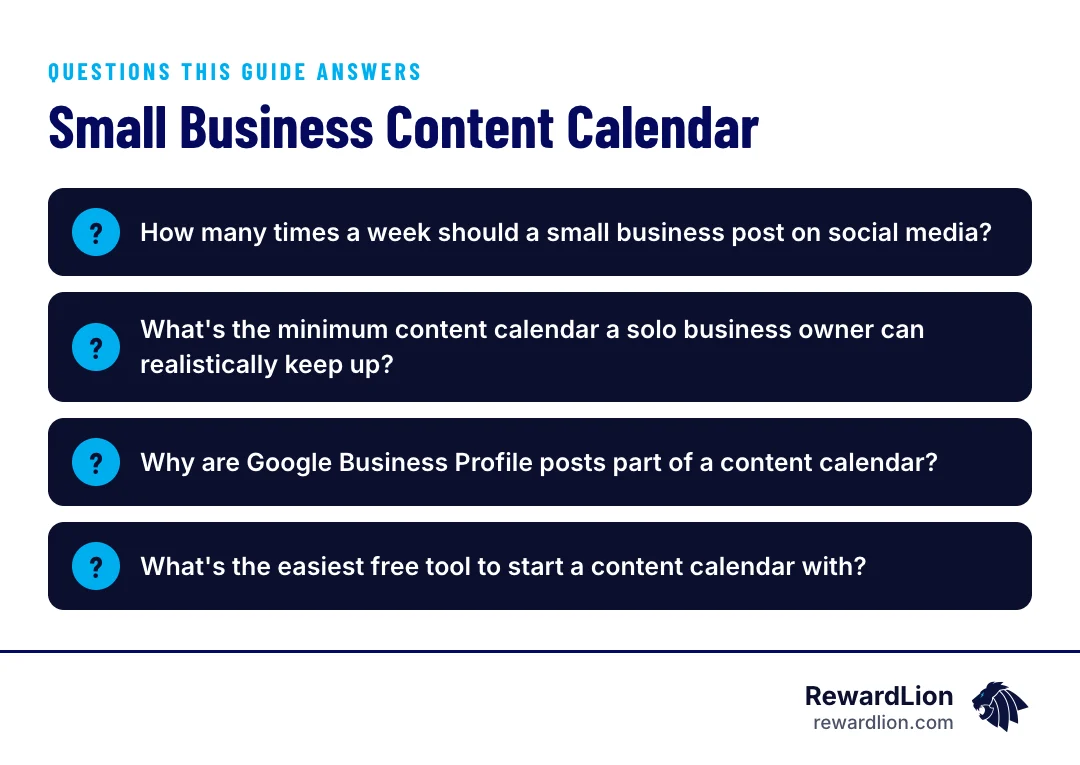
| How many times a week should a small business post on social media? | Most small businesses do best with 3-5 quality posts per week on their primary platform rather than posting daily, since consistency and quality matter more than volume (thesmallbusinessexpo.com). |
| What's the minimum content calendar a solo business owner can realistically keep up? | A minimum viable pace is 2-3 social posts a week, one Google Business Profile update a week, one email a month, and one blog post or long-form piece a month (managednerds.tech). |
| Why are Google Business Profile posts part of a content calendar? | For local businesses, weekly GBP updates — at least 4 posts a month — help keep local map rankings signal-fresh and only take about 10-15 minutes each (flento.io). |
| What's the easiest free tool to start a content calendar with? | Google Sheets is a commonly recommended starting point for solo owners because it's free and flexible; tools like Notion, Trello, Buffer, or Canva's content planner are natural next steps as you grow (semrush.com). |
A Sample 30-Day Small Business Content Calendar
A sustainable-tier month might look like this:
- Week 1: Write/batch monthly blog post. Publish blog. Post 1 social piece from it. 1 GBP update.
- Week 2: 2-3 social posts (repurposed from blog). 1 GBP update. Send monthly email.
- Week 3: 2-3 social posts. 1 GBP update. Request reviews from recent customers.
- Week 4: 2-3 social posts. 1 GBP update. Share a new review as social proof. Review analytics and plan next month.
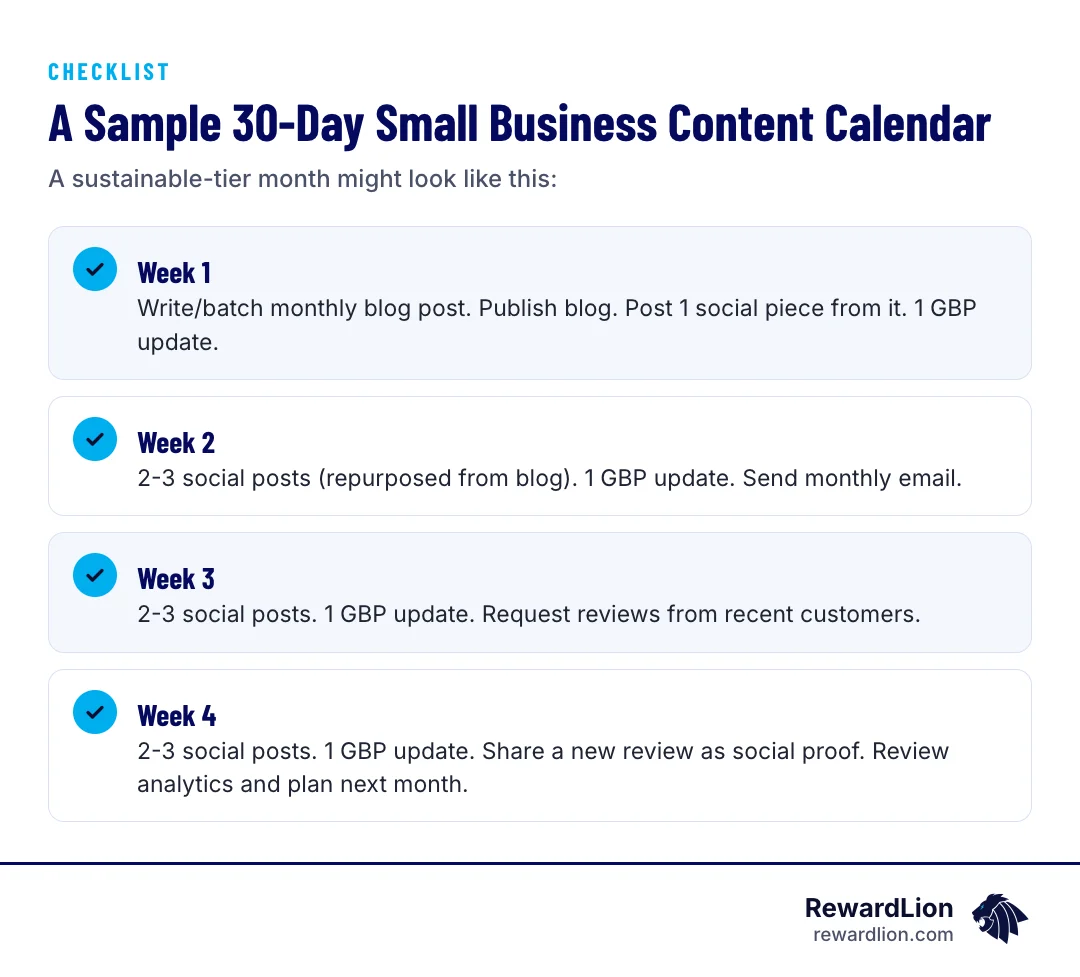
This keeps every content type moving without requiring daily effort.
Adjusting the sample month
On the minimum tier, drop to two social posts a week and keep the weekly GBP update. On the scaled tier, add a second blog post and an extra email. Whatever the tier, keep the week 4 review — it's what turns the calendar into a system that improves each month.
How RewardLion Builds and Runs Your Content Calendar For You
Most owners don't struggle to understand this framework — they struggle to run it every single week on top of everything else. That's the gap RewardLion fills. We build the website and landing pages your content points to, run local SEO and Google Business Profile updates so the local-search side of the calendar never gets skipped, manage review generation so customer proof keeps flowing, and connect lead follow-up and automation so new leads from your content actually get contacted. The calendar only works if someone keeps it running — we're built to be that someone.
That work spans marketing automation, local search and review generation, run as one calendar instead of separate tasks.
Related reading
- Beginner's Guide to Social Media Management
- Beginner's Guide to AI Content Studios
- Managing the Madness: How to Excel as a Social Media Channel Manager
- RewardLion social media management
FAQ
How many times a week should a small business post on social media?
Most small businesses do best with 3-5 quality posts per week on their primary platform rather than posting daily, since consistency and quality matter more than volume (thesmallbusinessexpo.com).
What's the minimum content calendar a solo business owner can realistically keep up?
A minimum viable pace is 2-3 social posts a week, one Google Business Profile update a week, one email a month, and one blog post or long-form piece a month (managednerds.tech).
Why are Google Business Profile posts part of a content calendar?
For local businesses, weekly GBP updates — at least 4 posts a month — help keep local map rankings signal-fresh and only take about 10-15 minutes each (flento.io).
What's the easiest free tool to start a content calendar with?
Google Sheets is a commonly recommended starting point for solo owners because it's free and flexible; tools like Notion, Trello, Buffer, or Canva's content planner are natural next steps as you grow (semrush.com).

Sources
- Local SEO Content Calendar (2026)
- How Often Should A Small Business Post On Social Media?
- How Often Should Small Businesses Post on Social Media? A Data-Backed Answer
- Why Your Small Business Needs a Content Calendar (And How to Build One in a Day)
- A 30-Day Content Calendar for Small Businesses
- Small Business Content Marketing Data & Statistics - 2022 Survey
- 29 Content Marketing Statistics Small Businesses Should Know
- How often should you really post?
- A Guide to Content Calendars (+ Free Templates for Making One)
- Free Small Business Content Calendar Templates
- Powerful Content Calendar Ideas for SMBs (2026)
- How often should a business post on social media? [2025 data]
- 14 best content calendar tools for 2026: How to choose
- A Content Calendar for Small Business That Works
- How to Create an SEO Content Calendar for Small Business