One-Page Marketing Plan Template: A Free, Fillable Guide for Small Businesses
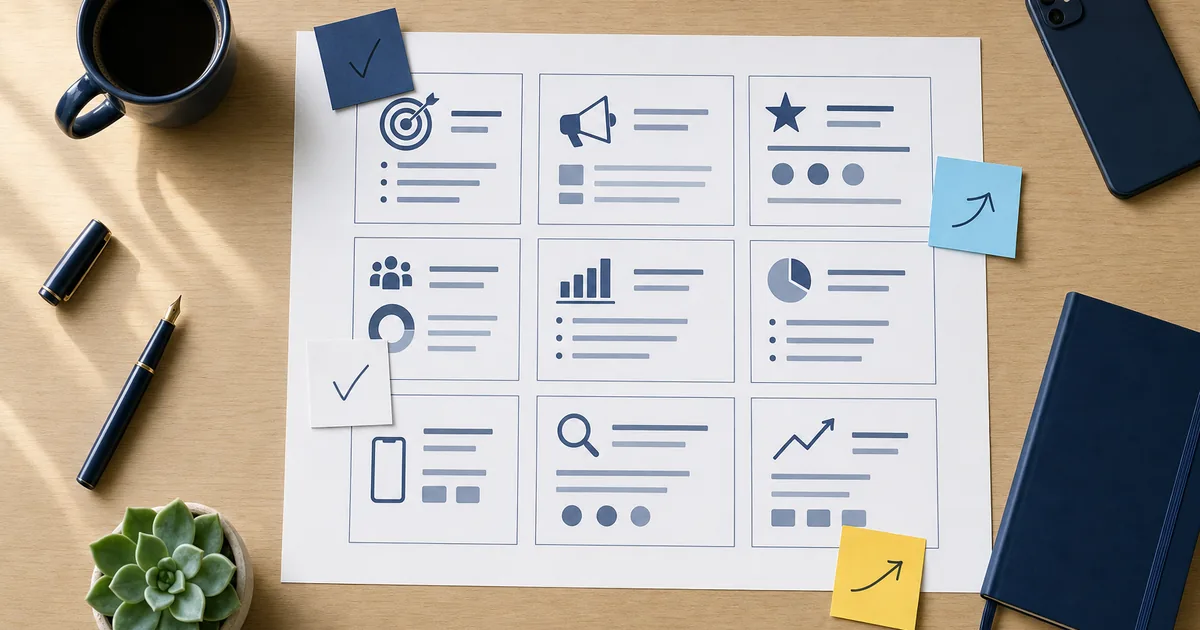
A one-page marketing plan template is a single sheet that condenses your entire marketing strategy — target market, message, channels, goals and key actions — into boxes you can fill out in under an hour. For local and service businesses, it works because it forces clarity instead of a 40-page document nobody reads. Below is a practical version you can fill out today, plus a map showing how each box turns into real work.
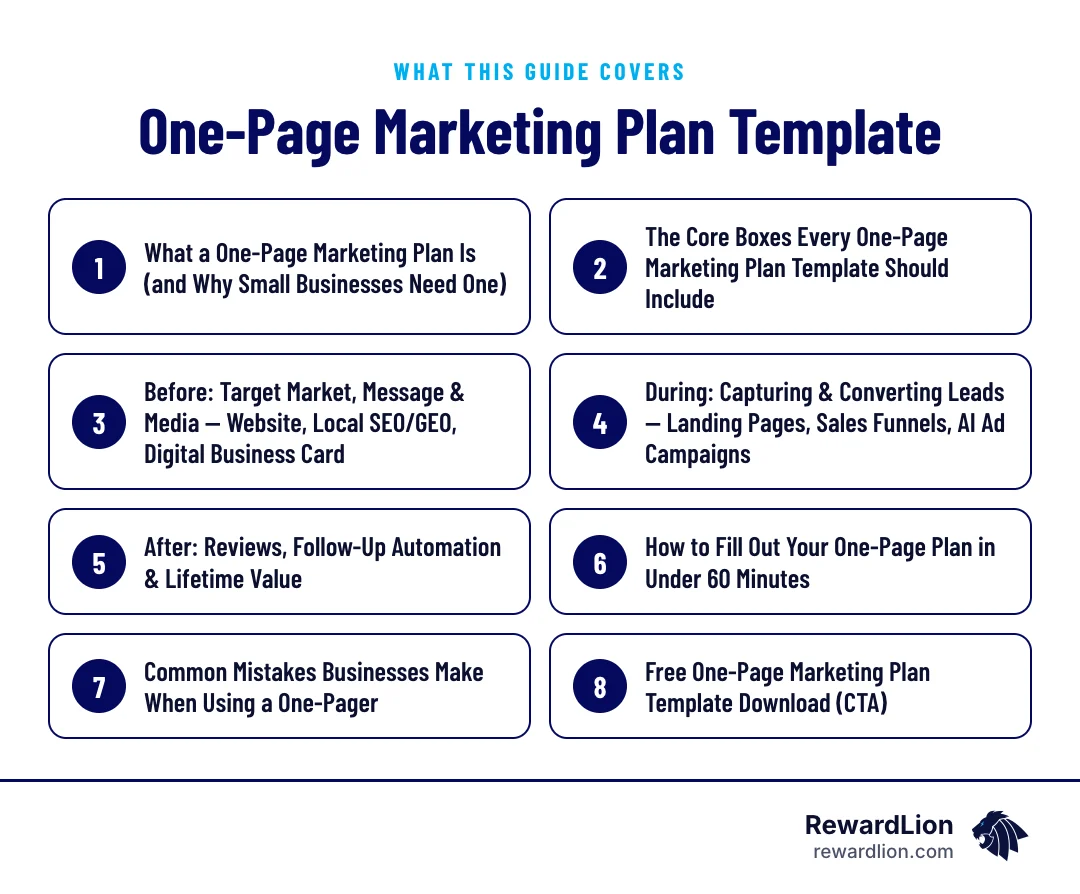
This guide covers:
- What a one-page marketing plan is and why it works for small businesses
- The core boxes every template should include
- A simple Before, During and After structure for local and service businesses
- A fill-in template with example answers
- How to complete it in under an hour, and the mistakes to avoid
What a One-Page Marketing Plan Is (and Why Small Businesses Need One)
A simple place for your strategy
Most small business owners don't lack marketing ideas. They lack a simple place to put them. A one-page plan solves that by organizing your strategy into dedicated sections for business objectives, marketing focus, goals, strategy, key actions and dependencies, as laid out in templates like Ayoa's one-page marketing plan.
Why the format forces clarity
The format isn't a shortcut around strategy — it only works once the thinking is done. A good one-pager surfaces gaps, like an undefined target market, rather than hiding them behind vague language, a point made in Llama Lead Gen's breakdown of one-page plans. If a box is hard to fill in, that's useful information, not a flaw in the template.
A planning tool for longer sales cycles
For service businesses with longer sales cycles — think commercial contractors or B2B professional services — the same one-pager can double as a defensible artifact that a marketing or demand-gen lead brings into a budget conversation with leadership, according to the same Llama Lead Gen article.
The Core Boxes Every One-Page Marketing Plan Template Should Include
What the common templates share
Templates vary in format, but the core elements repeat: target audience, messaging, channels and goals, often mapped across pre-launch, launch and post-launch phases (Llama Lead Gen).
Smartsheet's version organizes this into Business Summary, Objectives, Problem/Solution, Competitive Advantage, Target Market, Marketing Strategy & Objectives, Financial Requirements, and an Action Plan covering Product, Price, Place, Promotion and Marketing Channels, plus Performance Standards and Results Measurement (Smartsheet template). Zoom's one-pager bundles a strategic framework for goals, audience and positioning with channel strategy, a built-in timeline, accountability tracking and a pre-formatted KPI section (Zoom template).
The three-phase version we use
For our purposes, group the boxes into three phases: Before (who you're targeting and what you say), During (how you capture and convert leads), and After (how you keep and grow the relationship).
Here is the whole plan as a fill-in sheet. The example column shows how a generic home-cleaning business might answer each box:
| Box | Question to answer | Example answer |
|---|---|---|
| Target market | Who do you serve, and what problem do you solve? | Busy households in nearby suburbs who want a reliable recurring clean |
| Message | What one promise sets you apart? | The same vetted team every visit, booked online in minutes |
| Channels | Where does that audience look for you? | Google search and Maps, neighborhood social groups, referrals |
| Lead capture | Where do prospects land, and what one action do you want? | A booking page with instant online quotes |
| Follow-up | What happens the moment someone enquires or misses a call? | An instant text confirming the request, then a call the same day |
| Reviews and retention | How do you earn reviews and repeat bookings? | A review request after the first visit; a reminder before the next one is due |
| Measurement | Which two or three numbers will you check monthly? | New leads, bookings, new reviews |
Before: Target Market, Message & Media — Website, Local SEO/GEO, Digital Business Card
The three questions
This section answers three questions: Who is your ideal customer? What do you say to them? Where do you reach them?
Where local customers find you
For a local or service business, "where you reach them" usually means your website, your presence in local and AI-generated search results, and the first impression you make when someone looks you up. A dated website, inconsistent business information online, or no plan for how AI search tools describe your business all undercut this box before you spend a dollar on ads. This is also where a digital business card fits — it's the fast, modern version of "here's who we are and how to reach us" that you hand out at the point of first contact.
To fill in this box, check each of these:
- Website: does the homepage say what you do, where, and how to contact you? A website development refresh is often the first job.
- Local search: is your business name, address and phone number the same everywhere? Our local SEO service handles this.
- AI search: do answer engines describe your services correctly? See our guide to optimizing your website for LLMs.
- First impression: is there a quick way to share your details in person?
During: Capturing & Converting Leads — Landing Pages, Sales Funnels, AI Ad Campaigns
Where prospects land
Once the right people find you, this box covers what happens next: where do they land, what do they see, and what action do you want them to take?
Landing pages, funnels and ads
A generic homepage asking someone to "browse our services" converts differently than a landing page built around one offer and one next step — call, book, or request a quote. A sales funnel extends that logic across multiple steps, so a visitor who isn't ready to buy today still ends up on your list. AI-powered ad campaigns sit upstream of this box, driving traffic to those pages instead of to a generic site that wasn't built to convert.
Questions to answer in this box:
- Which page does each campaign send people to? A dedicated landing page works best for a single offer.
- What is the one action on that page — call, book or request a quote?
- What happens to visitors who aren't ready yet? A sales funnel keeps them on your list.
- Which ads send traffic there, and how will you know which ones produce leads? Tools such as AI Ads Pro report this per campaign.
After: Reviews, Follow-Up Automation & Lifetime Value
The results and retention box
Most one-page templates include a results or performance-measurement section, and this is where it lives in practice. Once someone becomes a customer, three things matter: do you ask for a review, do you follow up with leads who didn't book the first time, and do you have a way to bring past customers back?
Reviews and follow-up in practice
Review generation feeds your reputation and your local search visibility. Lead follow-up automation makes sure a lead who called after hours or didn't answer the first text doesn't just disappear. Together, these turn a one-time transaction into a longer relationship — which is the whole point of tracking performance standards and results in a plan like Smartsheet's (Smartsheet template).
Practical entries for this box might include:
- A review request sent at the same point after every job, through a reputation management process
- A follow-up sequence for leads who didn't book, built with marketing automation
- A reminder to past customers when a service is likely due again
- A monthly check of reviews, bookings and repeat customers
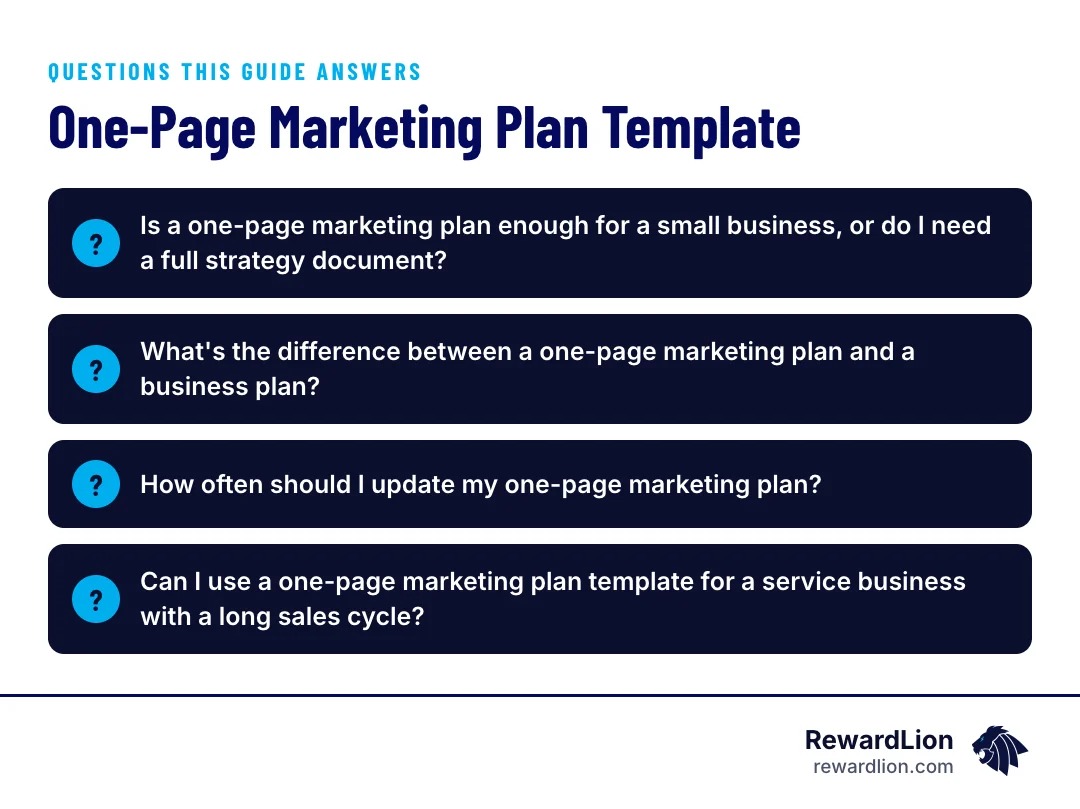
How to Fill Out Your One-Page Plan in Under 60 Minutes
The six steps
- Target market (10 minutes): Write one sentence describing who you serve and the problem you solve for them.
- Message (10 minutes): Write the one claim or promise that sets you apart.
- Channels (10 minutes): List where that audience actually looks for a business like yours — Google search, AI assistants, social, referrals.
- Lead capture (10 minutes): Name the page or form a prospect lands on, and the one action you want them to take.
- Follow-up (10 minutes): Write down what happens the moment someone submits a form or misses a call.
- Measurement (10 minutes): Pick two or three numbers you'll check monthly — leads, bookings, review count.
Fillable formats to choose from
Many teams use a visual or fillable format to speed this up, from Notion's free template aimed at small business owners and freelancers (Notion) to interactive PDF versions with eleven fill-in boxes (Gumroad template), author Allan Dib's official 1PMP Canvas (Lean Marketing), or one of the many editable slide formats available for presentations (SlideUpLift).
Tips for a better first draft
- Fill it in with your team, not alone; the people who answer the phone know what customers ask.
- Use real words from customers in the message box rather than marketing language.
- Write a name and a date next to every action before you finish.
- Print it or pin it where you'll see it every week.
Common Mistakes Businesses Make When Using a One-Pager
Mistakes to watch for
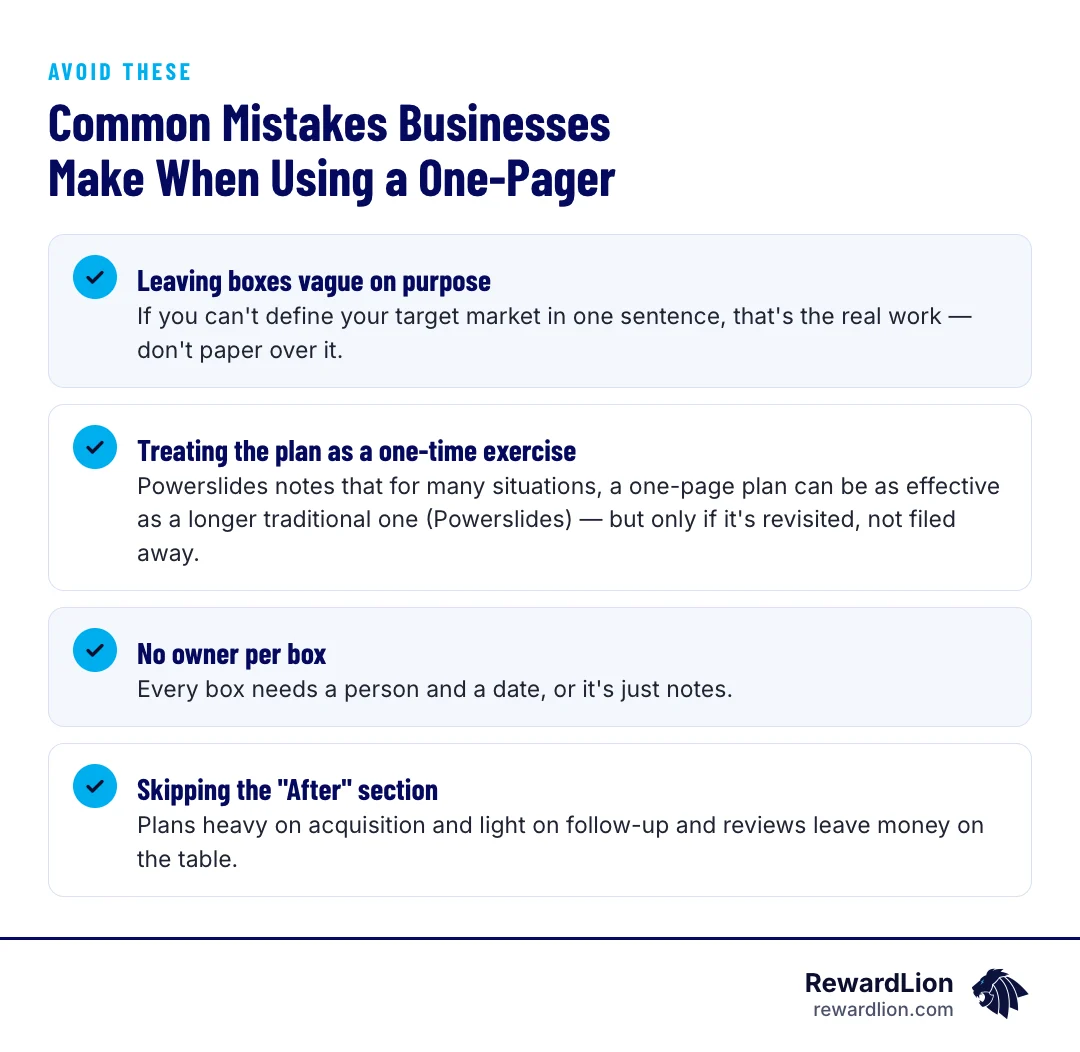
- Leaving boxes vague on purpose. If you can't define your target market in one sentence, that's the real work — don't paper over it.
- Treating the plan as a one-time exercise. Powerslides notes that for many situations, a one-page plan can be as effective as a longer traditional one (Powerslides) — but only if it's revisited, not filed away.
- No owner per box. Every box needs a person and a date, or it's just notes.
- Skipping the "After" section. Plans heavy on acquisition and light on follow-up and reviews leave money on the table.
From Paper to Results: How RewardLion Executes Every Box on Your Plan
A filled-in template is a good start. The gap most businesses hit is turning each box into actual work: a website that reflects the message, local SEO and GEO so you show up when people search, AI-driven ad campaigns aimed at the audience you defined, landing pages and funnels built around your offer, review generation to build the "After" section, and lead follow-up automation so no inquiry falls through the cracks. RewardLion builds and manages each of these pieces for local and service businesses, so your one-pager becomes a working system instead of a document in a drawer.
How to review the plan each month
- Compare the numbers in the measurement box with last month.
- Mark each action as done, in progress or stuck.
- Change one box that isn't working — the channel, the offer or the follow-up.
- Set the next month's actions with an owner and a date.
Our guide to building a lead generation campaign plan shows how to turn the "During" box into a full campaign.
Quick answers from this guide
| Question | Short answer |
|---|---|
| Is a one-page marketing plan enough for a small business, or do I need a full strategy document? | For most local and service businesses, a one-pager is sufficient as long as the underlying thinking is solid. |
| What's the difference between a one-page marketing plan and a business plan? | A one-page marketing plan focuses narrowly on target market, message, channels, lead capture, follow-up and measurement. |
| How often should I update my one-page marketing plan? | There's no fixed rule, but many businesses revisit it whenever a channel, offer, or target market changes, and at minimum review it against the goals and measurement section on a regular schedule. |
| Can I use a one-page marketing plan template for a service business with a long sales cycle? | Yes. Even with longer cycles, the same core boxes apply, and the one-pager can also serve as a simple reference document when discussing budget or priorities with others in the business. |
Free One-Page Marketing Plan Template Download (CTA)
Want a fillable version of this template built specifically for local and service businesses? Download the free one-page marketing plan and use it as the starting point for a conversation with RewardLion about which boxes to execute first.
Prefer to talk it through first? Contact our team and bring your filled-in plan.
Related reading
- The Lead Generation Campaign Plan Template
- The Ultimate Guide to Marketing Services (And No, It's Not Just Spam)
- Stop the Chaos with Marketing Automation Software for Small Business
- RewardLion AI marketing solutions
FAQ
Is a one-page marketing plan enough for a small business, or do I need a full strategy document?
For most local and service businesses, a one-pager is sufficient as long as the underlying thinking is solid. It only works once you've done the strategic work — it's meant to organize decisions, not replace them.
What's the difference between a one-page marketing plan and a business plan?
A one-page marketing plan focuses narrowly on target market, message, channels, lead capture, follow-up and measurement. A business plan is broader and typically includes financials, operations and competitive analysis alongside marketing.
How often should I update my one-page marketing plan?
There's no fixed rule, but many businesses revisit it whenever a channel, offer, or target market changes, and at minimum review it against the goals and measurement section on a regular schedule.
Can I use a one-page marketing plan template for a service business with a long sales cycle?
Yes. Even with longer cycles, the same core boxes apply, and the one-pager can also serve as a simple reference document when discussing budget or priorities with others in the business.

Sources
- One Page Marketing Plan template
- One Pager Marketing Plan
- A Simple One Page Marketing Plan Template
- One-Page Marketing Plan Template
- Download Your 1PMP Canvas
- 1009+ Free Editable One Page Marketing Plan Templates for PowerPoint
- How to Create a One Page Marketing Plan (+ Free Template)
- One Page Marketing Plan Template
- One-page Marketing Strategy (Interactive Fillable PDF)