Google Business Profile Optimization Tips: The 2026 Checklist for Local Businesses

The short answer: optimizing your Google Business Profile means completing every section Google offers, choosing precise categories, earning and responding to reviews consistently, posting weekly, and treating the profile as an active channel rather than a one-time listing. Research into tens of thousands of real profiles shows that the businesses doing these basics well consistently outrank the ones that don't — and in 2026, this same data also feeds AI answer engines like ChatGPT, Perplexity, and Google AI Overviews. Below is a practical checklist built on that research.
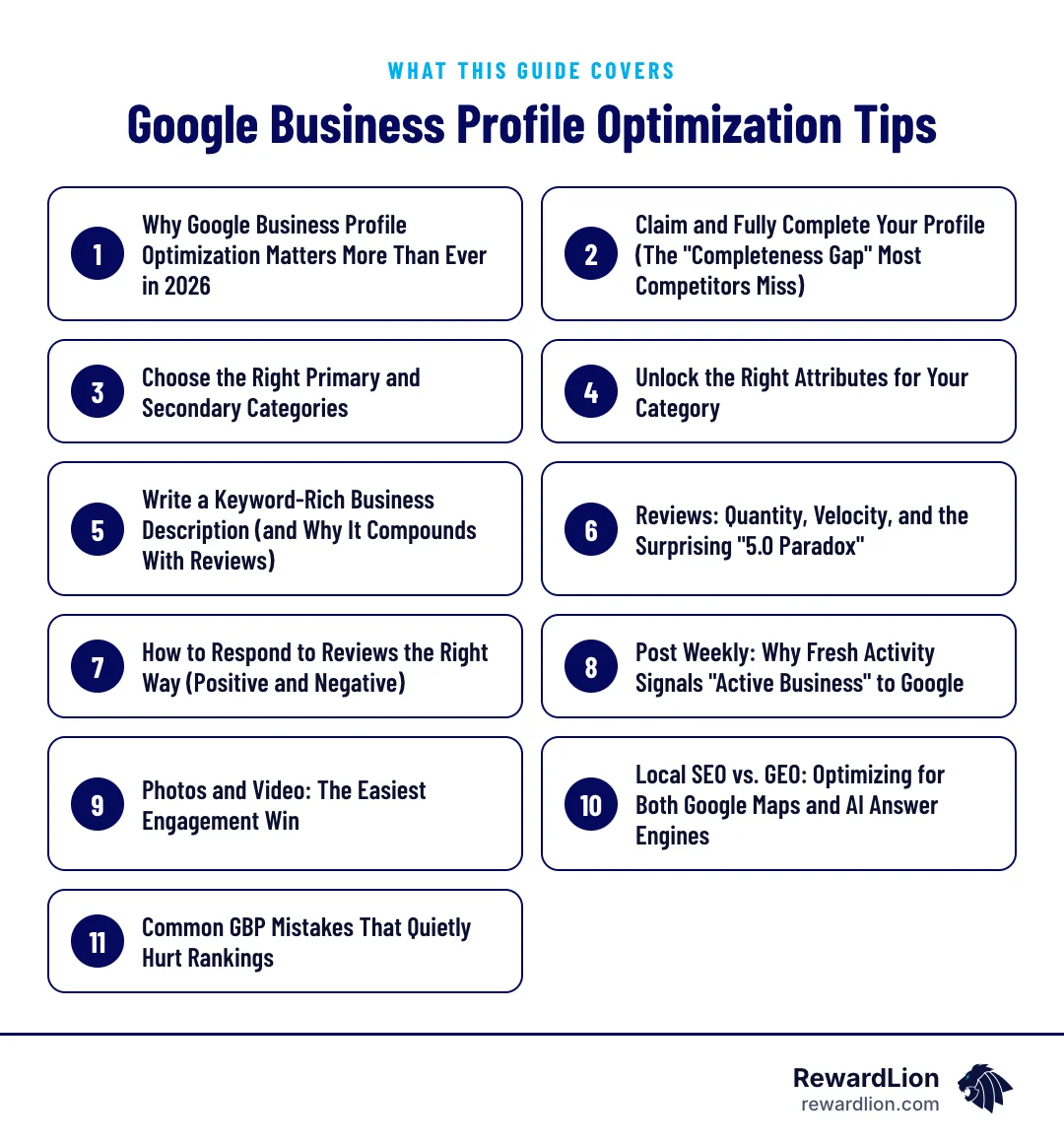
Use this guide as a working checklist. It covers:
- Claiming the profile and closing the completeness gap
- Picking primary and secondary categories, then unlocking attributes
- Writing a description that works together with your reviews
- Earning, managing and answering reviews
- Keeping the profile active with weekly posts, photos and video
- Making the same profile work for both Google Maps and AI answer engines
Why Google Business Profile Optimization Matters More Than Ever in 2026
The top local ranking factor
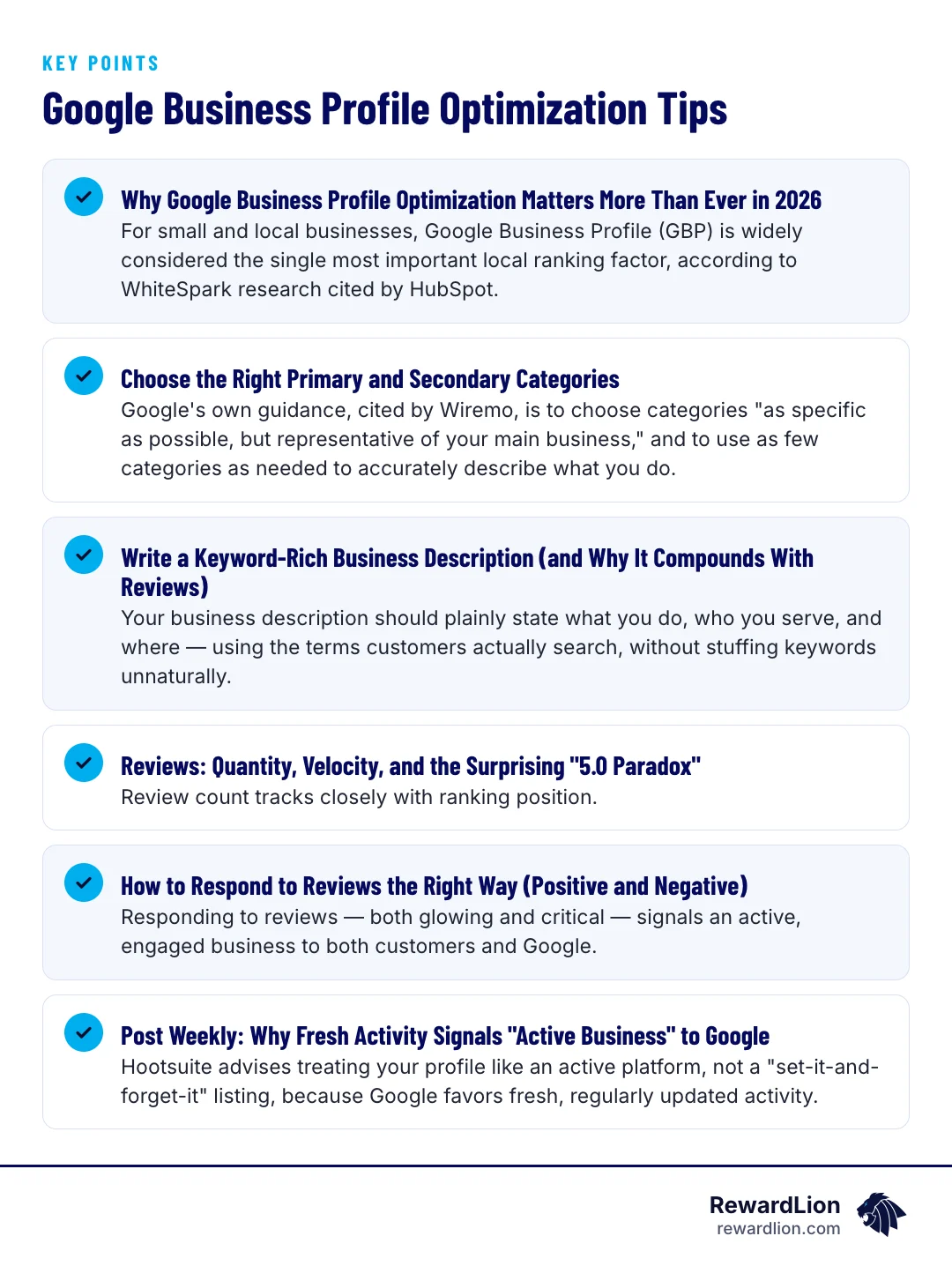
For small and local businesses, Google Business Profile (GBP) is widely considered the single most important local ranking factor, according to WhiteSpark research cited by HubSpot. Bigeye Agency notes that GBP signals account for roughly 32% of the local pack ranking formula, and complete profiles convert 3.2 times more often than incomplete ones.
Your first impression to AI tools
The stakes have also expanded. HubSpot points out that a complete GBP now acts as a business's first impression to AI systems — the same category, review, and description data that ranks you on Google Maps is being read by generative engines to answer questions like "best dentist near me" or "who should I hire for roof repair." GBP optimization has quietly become Generative Engine Optimization (GEO) too.
Claim and Fully Complete Your Profile (The "Completeness Gap" Most Competitors Miss)
What the completeness data shows
A Localo study of 16,098 Google Business Profiles found that only 42.7% of #1-ranked profiles met all eight basic completeness criteria — hours, categories, attributes, description, photos, and more — compared to just 17.2% of profiles ranking at position 11 or lower.
Fill in every field
That gap is the opportunity. Most competitors in any given market still haven't filled out their profile completely, which means doing so is one of the easiest wins available. Walk through every field Google offers: business name (exact legal name, no keyword stuffing), address, service area, phone number, website, hours (including holiday hours), and services list. Leave nothing blank.
A field-by-field pass looks like this:
| Profile field | What to enter | Common slip |
|---|---|---|
| Business name | Your exact real-world business name | Adding city names or service keywords |
| Address or service area | Your staffed location, or the towns you travel to | Listing an address customers can't visit |
| Phone and website | A number that is answered and your main site or a dedicated booking page | Old numbers or a link to a dead page |
| Hours | Regular hours plus holiday and special hours | Forgetting to update holiday hours |
| Services | Every service you actually offer, in customer language | Leaving the list empty |
| Description | What you do, who you serve and where | Keyword stuffing |
If you travel to customers rather than having them visit you, our guide to service area pages shows how to keep your website's coverage in line with your profile.
Choose the Right Primary and Secondary Categories
Google's rule of thumb
Google's own guidance, cited by Wiremo, is to choose categories "as specific as possible, but representative of your main business," and to use as few categories as needed to accurately describe what you do.
Why one category is rarely enough
But "as few as possible" doesn't mean "only one." The Localo data found that profiles with six or more secondary categories had the highest top-three ranking rate, at 69.1%. The takeaway: pick one accurate primary category, then add every secondary category that genuinely applies to services you offer. A general contractor, for example, might add categories for specific trades they perform in addition to their primary listing.
A simple way to build the list:
- Write down every service that brings in real, regular work.
- Choose the most specific category that describes your main business as the primary.
- For each remaining service, search Google's category list for a matching category.
- Add only categories that match services you genuinely offer today.
- Recheck the list whenever you add or drop a service line.
Unlock the Right Attributes for Your Category
Attributes are the checkboxes customers filter by on Maps — things like "online appointments," "wheelchair accessible," or "free estimates." According to Wiremo, Google builds the list of available attributes directly from your chosen category. If your category is too broad or slightly wrong, you may be hiding half the attributes customers are actively filtering by when they search.
After locking in your categories, go back into the attributes section and check every box that genuinely applies. This is a five-minute task that directly affects whether you show up in filtered searches.
Only tick attributes that are true. If you mark "online appointments," for example, make sure the booking link on your profile actually lets a customer book.
Write a Keyword-Rich Business Description (and Why It Compounds With Reviews)
What to put in the description
Your business description should plainly state what you do, who you serve, and where — using the terms customers actually search, without stuffing keywords unnaturally.
A simple structure that works for most local businesses:
- First sentence: the service you provide and the area you serve
- Second part: who you typically work with and what makes your approach different
- Last part: how to get started, such as calling, booking online or requesting an estimate
Why the description compounds with reviews
What's less obvious is that the description's value isn't fixed. Localo's research found the description was worth +10.8 percentage points in top-three ranking rate for businesses with 10 or fewer reviews, but that value climbed to +25.8 points for businesses with 200+ reviews. In other words, a strong description and a strong review profile reinforce each other — neither works as well alone.
Reviews: Quantity, Velocity, and the Surprising "Perfect-Score Paradox"
Review count and ranking
Review count tracks closely with ranking position. Localo found the median review count for profiles ranking at position 11 or lower was just 25, while top performers clustered around 100 reviews, and past a few hundred reviews the effect stopped growing.
The "Perfect-Score Paradox"
More surprising is what Localo calls the "5.0 Paradox": profiles with a perfect 5.0 rating had a 53.6% top-three ranking rate, while profiles with a 4.9 rating hit 69.1%. A near-perfect rating backed by real review volume appears to outperform a flawless but thin one. The practical lesson isn't to avoid five-star reviews — it's to keep generating reviews steadily rather than stopping once you hit a perfect score.
Building a steady review habit
The easiest way to keep reviews coming is to make the request part of every finished job:
- Ask every customer, not just the ones you expect to be happy.
- Send the request soon after the job or visit, while the experience is fresh.
- Use a direct review link so customers don't have to search for your profile.
- Never offer incentives for reviews or ask only for positive ones.
A reputation management system can automate the request so it goes out after every job without anyone having to remember.
How to Respond to Reviews the Right Way (Positive and Negative)
Responding to reviews — both glowing and critical — signals an active, engaged business to both customers and Google. For positive reviews, a short, specific thank-you works best. For negative reviews, LocalFalcon's guidance emphasizes staying professional, acknowledging the concern without getting defensive, and moving the conversation offline when needed to resolve it. Every response is public and becomes part of your profile's story for future customers.
A simple response framework
For a positive review: thank the customer, mention the specific service or detail they praised, and invite them back.
For a negative review:
- Thank them for the feedback and acknowledge the concern in plain words.
- Avoid arguing about details in public.
- Offer a direct way to continue the conversation, such as a phone number or email.
- Follow up offline and fix what you can.
Post Weekly: Why Fresh Activity Signals "Active Business" to Google
Hootsuite advises treating your profile like an active platform, not a "set-it-and-forget-it" listing, because Google favors fresh, regularly updated activity. Townsquare Interactive found that posting at least once a week — ideally two to three times — consistently outperforms sporadic bursts of high-effort posting. Letting a missed week turn into a missed month hurts the momentum you've built.
Easy post ideas
Weekly posting is easier with a short list of repeatable post types: a recent completed job, a seasonal tip, an offer or event, a team introduction, or an answer to a question customers often ask. Rotating through them keeps the weekly rhythm without having to invent something new each time.
Photos and Video: The Easiest Engagement Win
Hootsuite notes that images and video improve engagement with Google listings and increase the likelihood of customer inquiries. Upload recent photos of your team, location, completed work, and products regularly — not just once when you first claim the profile.
Real photos beat stock images: customers want to see the actual people, vehicles, location and work they'll get. If you want help capturing that, video production can produce short clips you can reuse on your profile, website and social channels.
Local SEO vs. GEO: Optimizing for Both Google Maps and AI Answer Engines
Local SEO optimizes for the Google Maps pack and organic local results. GEO (Generative Engine Optimization) optimizes for how AI tools like ChatGPT, Perplexity, and Google AI Overviews summarize and recommend businesses. Bigeye Agency and HubSpot both point to the same underlying data source: a complete, accurate, well-reviewed GBP. The good news is you don't need two separate strategies — the checklist above serves both.
For a deeper look at how AI tools choose which websites to cite, see Teaching Large Language Models to Love and Cite Your Website.
Quick answers from this guide
| Question | Short answer |
|---|---|
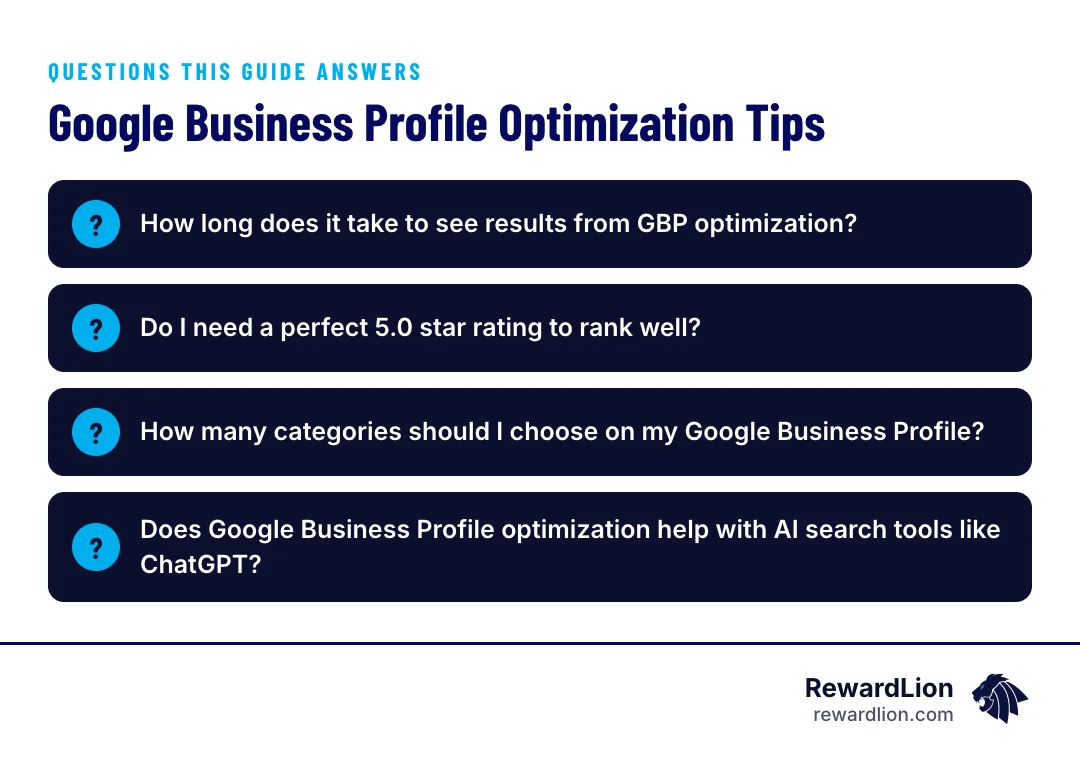
| How long does it take to see results from GBP optimization? | There's no fixed timeline, and results vary by market, competition, and how complete your profile was beforehand. |
| Do I need a perfect 5.0 star rating to rank well? | No. Localo's research actually found profiles with a 4.9 rating and higher review volume outranked those with a perfect 5.0 and fewer reviews. |
| How many categories should I choose on my Google Business Profile? | Google recommends picking the most specific, accurate primary category and using as few categories as needed to represent your business — but data shows adding six or more relevant secondary categories is associated with the highest top-three ranking rates. |
| Does Google Business Profile optimization help with AI search tools like ChatGPT? | It can. Since AI answer engines pull from the same business data — categories, reviews, descriptions, and activity — that powers Google Maps rankings, keeping your profile complete and current also supports visibility in generative AI results, a practice known as Generative Engine Optimization (GEO). |
Common GBP Mistakes That Quietly Hurt Rankings
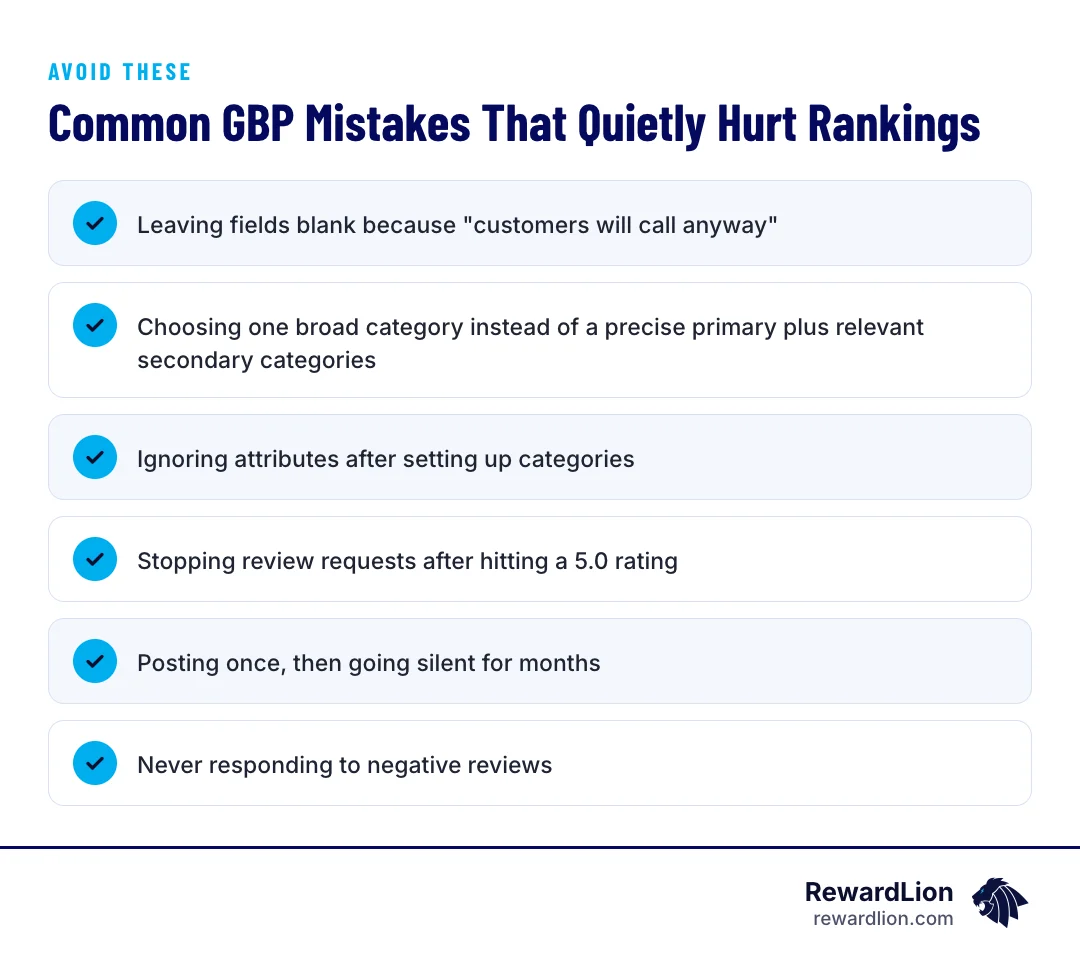
- Leaving fields blank because "customers will call anyway"
- Choosing one broad category instead of a precise primary plus relevant secondary categories
- Ignoring attributes after setting up categories
- Stopping review requests after hitting a perfect five-star rating
- Posting once, then going silent for months
- Never responding to negative reviews
Your weekly GBP routine
A short weekly routine avoids every mistake on that list:
- Monday: publish one post.
- During the week: request reviews from each finished job and reply to new reviews.
- Friday: add any new photos and check that hours, especially upcoming holiday hours, are correct.
- Each quarter: review categories, attributes, services and the description.
How RewardLion Turns GBP Optimization Into Leads, Reviews, and Revenue
Knowing the checklist is one thing; executing it every week across categories, attributes, posts, reviews, and photos is another. RewardLion builds this into our local SEO and GEO services, combined with review generation systems and lead-follow-up automation — so your profile stays complete, active, and working for you on both Google Maps and AI answer engines, while new leads get followed up with automatically instead of falling through the cracks.
That includes our Local SEO Domination program, AI Search Pro for visibility in AI answers, and CRM setup and automation so every call and form from your profile gets a fast follow-up. To talk through your profile, contact our team.
Related reading
- Unlocking Local Search: The Ultimate SEO Jacksonville FL Guide
- Top Florida Local SEO Companies to Help Your Business Dominate Search
- Local Marketing Automation Software: The Secret to Community Growth
- RewardLion local SEO services
- RewardLion reputation management services
FAQ
How long does it take to see results from GBP optimization?
There's no fixed timeline, and results vary by market, competition, and how complete your profile was beforehand. What the data shows is that completeness, categories, and review volume correlate with higher rankings — consistent effort over time is what drives that correlation in your favor.
Do I need a perfect five-star rating to rank well?
No. Localo's research actually found profiles with a 4.9 rating and higher review volume outranked those with a perfect 5.0 and fewer reviews. Keep collecting reviews steadily rather than pausing once you reach a high score.
How many categories should I choose on my Google Business Profile?
Google recommends picking the most specific, accurate primary category and using as few categories as needed to represent your business — but data shows adding six or more relevant secondary categories is associated with the highest top-three ranking rates. Only add categories that genuinely describe services you offer.
Does Google Business Profile optimization help with AI search tools like ChatGPT?
It can. Since AI answer engines pull from the same business data — categories, reviews, descriptions, and activity — that powers Google Maps rankings, keeping your profile complete and current also supports visibility in generative AI results, a practice known as Generative Engine Optimization (GEO).

Sources
- Local SEO Ranking Factors: Data From 16,098 Google Business Profiles
- 9 Google Business Profile Ranking Factors Proven To Impact Local Search Performance
- How To Respond To Google Business Profile Reviews
- Google My Business: How to optimize your profile in 2025
- How Often Should You Post on Your Google Business Profile?
- Generative engine optimization for small business: How to win with a small budget in 2026
- Local SEO and GEO: How Local Businesses Get Found in 2026
- Google Business Profile Categories: How to Choose (2026)
- Google Business Profile Categories & Attributes